I still remember the first time I tried to draft a dress pattern on paper, then measure, adjust, and remeasure again. By the time I finally saw the garment in my head, I wished I could just test it on a screen. That is why so many of us are moving toward 3D design software for fashion designers: it saves time, lowers guesswork, and makes fitting feel a lot less scary. If you want a helpful starting point, grab the MULTISIZE MEASUREMENT TABLE FOR YOUR CAD SOFTWARE below.
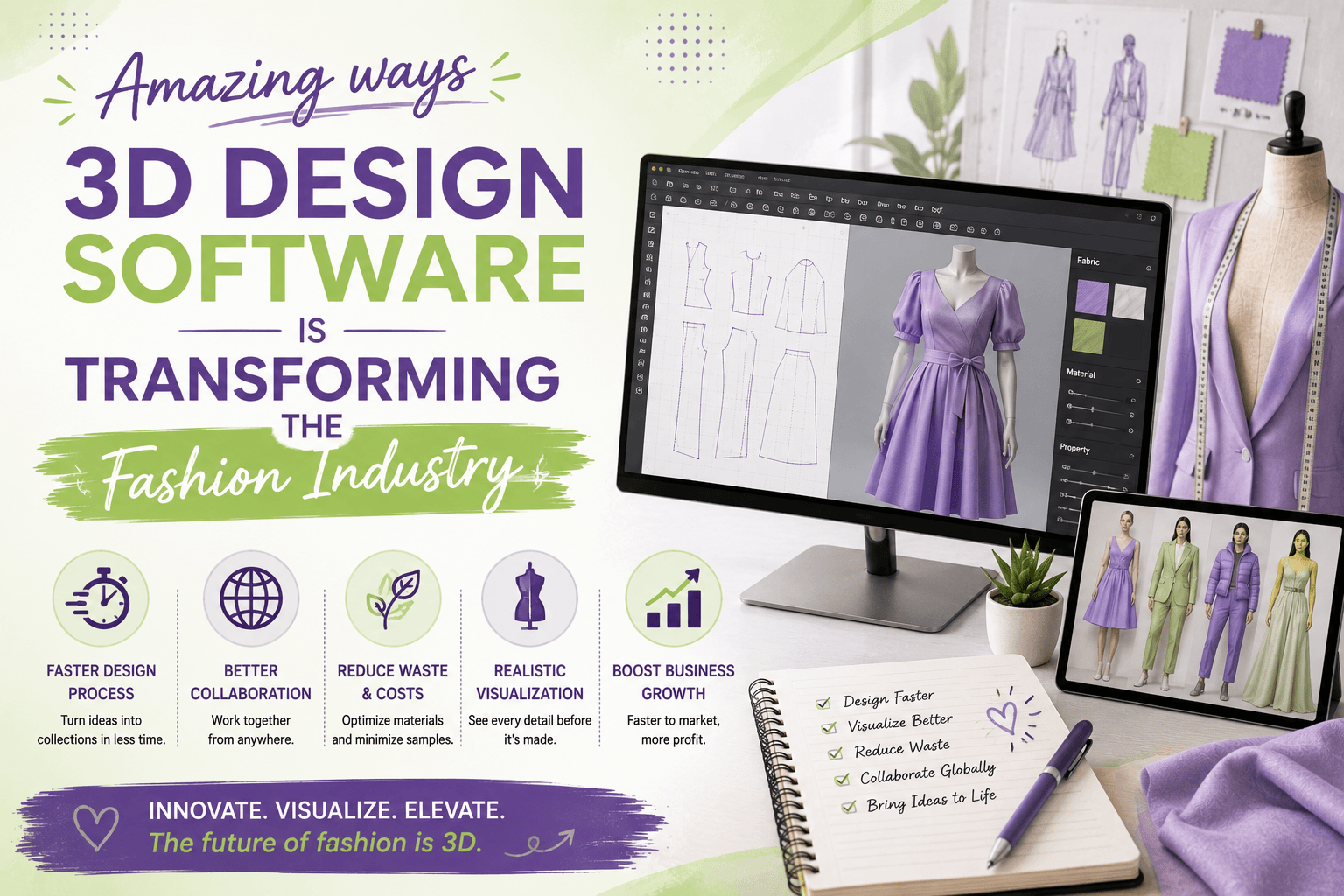
The big shift is simple: 3D software lets you see a garment before you cut fabric. Instead of hoping a sleeve balances or a dart sits right, you can test the pattern digitally, make changes fast, and compare versions side by side. That is a huge win for beginners, home sewers, and busy designers who want cleaner results with less wasted fabric.
Why 3D Design Software Is Changing the Game
When you work with a digital pattern, you are not just drawing lines. You are building a virtual garment that can be draped, rotated, fitted, and adjusted in real time. That means fewer expensive sampling rounds and more confidence before you ever print the final pattern. If you want to see the kind of styles that work well in a clean digital workflow, take a look at my digital patterns and notice how simple shapes can still look polished.
OTHER RELEVANT BLOG POST


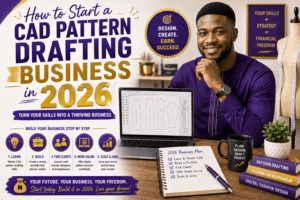
How to Start CAD Dress Pattern Drafting the Easy Way
If you are a home sewer or a new designer, the easiest way to begin is to keep your process small and repeatable. Here is a simple path:
- Take accurate body measurements or use a trusted size chart.
- Enter your measurements into your CAD system.
- Draft a basic block or sloper first.
- Test the fit in 3D and make only one change at a time.
- Save every version so you can see what improved.
OTHER INTERESTING BLOG POST
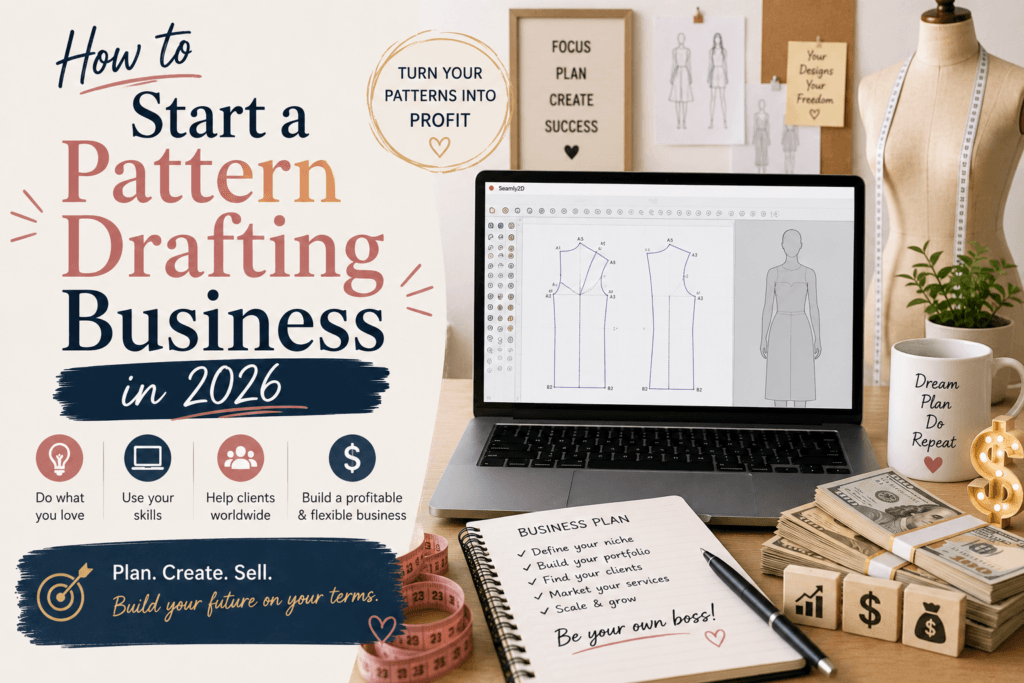
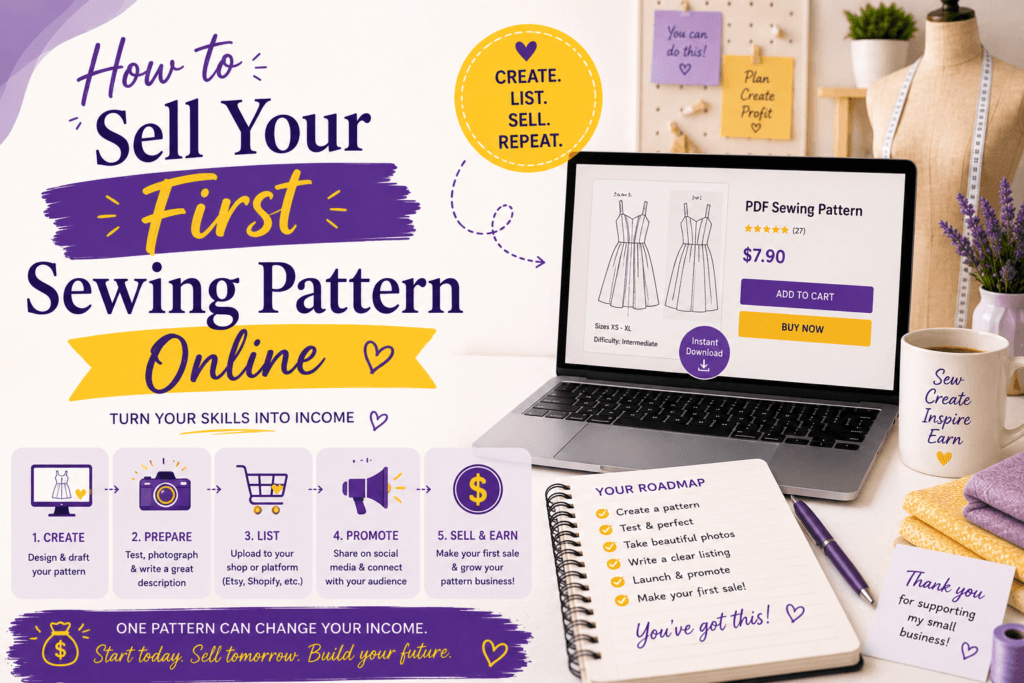
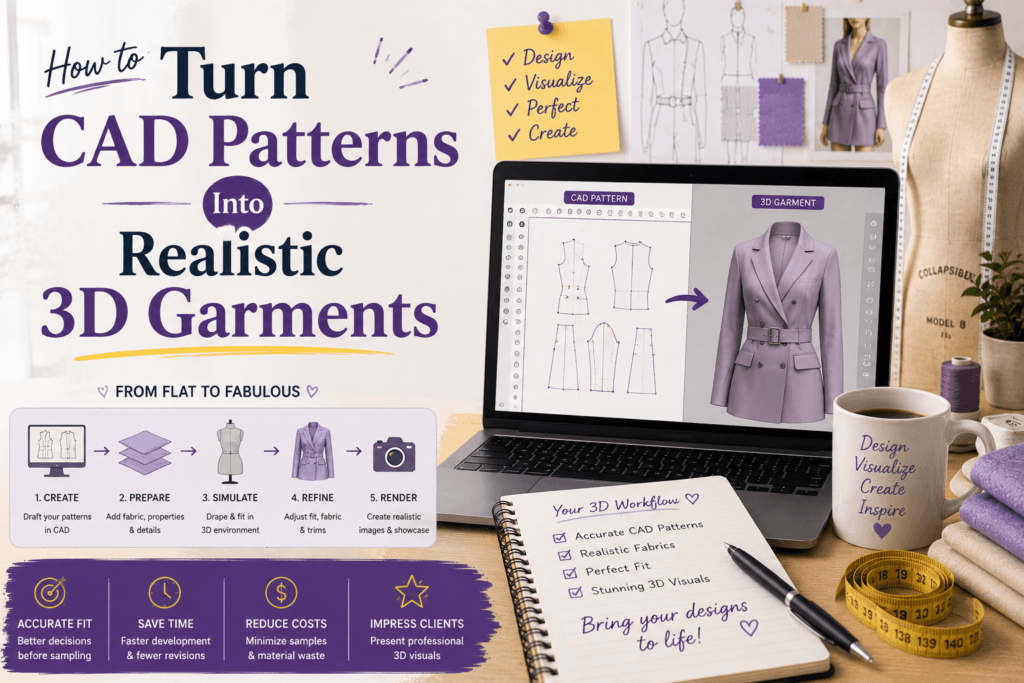
That slow-and-steady method helps you learn the software without feeling overwhelmed. I always tell beginners to start with one skirt, one bodice, or one sleeve before jumping into a full collection. Small wins build skill fast.
And if you are ready to turn practice into income, the next step is to learn how to package your skills into a service or product. That is exactly why I put together this training path for makers who want to move faster.
Tips That Make 3D Learning Easier
A few small habits can save you hours. Use real measurements instead of guessing sizes. Keep your file names organized by style and version. Work with one garment at a time. Print test pages before you cut your final fabric. Review the fit from front, back, and side views.
For the tools side of things, start with CLO3D, Browzwear, or even Blender if you like exploring 3D visuals. If you draft in Adobe Substance 3D workflows, you will also notice how much easier it becomes to present a design professionally.
Also, do not skip the basics. Knowing how a dart works, how ease affects comfort, and how grainline changes drape will make your software work much better. The computer helps you draft, but your sewing knowledge still leads the way.
Common Mistakes to Avoid
Many people think 3D software will do all the work for them. It will not. The software is a tool, not a magic wand. If your measurements are off, your pattern will still be off. If you rush the block stage, the digital version will only show you the same problem faster. The good news is that 3D makes those issues easier to spot early, before they become wasted fabric and frustration.
Another common mistake is trying to learn everything at once. You do not need to master every feature on day one. Focus on one workflow: measure, draft, simulate, adjust, and repeat. Once that feels natural, add more tools.
FAQ
Is 3D design software only for professional fashion designers?
No. It is also great for home sewers, pattern makers, students, and anyone who wants to learn CAD dress pattern drafting the easy way. You can start small and grow from there.
Do I need expensive equipment?
Not always. A decent computer, a stable internet connection, and the right software are usually enough to begin. Some programs offer trials or lower-cost plans.
What should I learn first?
Start with measurements, a basic block, and one simple garment style. Once you understand fit and structure, the software becomes much easier to use.
Can I make money with these skills?
Yes. You can sell patterns, offer drafting services, create custom fit solutions, or teach others what you know. If you want more ideas, explore my courses and see how you can build a real offer around your skill set.
Final Thoughts
Here is my honest advice: do not wait until you feel perfect. Pick one tool, one pattern, and one goal. That is how real progress happens. The designers who are switching to 3D are not doing it because it is trendy. They are doing it because it makes fitting clearer, sampling cheaper, and creative work more exciting.
SEO tags: 3D design software for fashion designers, CAD dress pattern drafting, digital pattern making, home sewing, fashion CAD, pattern drafting tools, garment simulation, sewing education.
So if you are ready to learn CAD dress pattern drafting the easy way, start with a measurement table, practice one block, and try a simple 3D test. Then build from there. Your future self will thank you.