I still remember the first time I tried to draft a fitted bodice after a long day of sewing. My ruler slipped, my measurements got mixed up, and I spent more time correcting than creating. If you have ever stared at a pattern line and thought, “Why does this small change suddenly affect everything?” you are definitely not alone. That is exactly why the rise of generative AI feels so interesting to me in fashion design and pattern drafting.
Generative AI is starting to change the way we think about pattern design because it can help us generate ideas, explore options, and move faster from inspiration to a working draft. Instead of replacing the designer, it works more like a very quick brainstorming partner. For home sewers, beginners, and even experienced pattern makers, that can be a huge help when you are trying to turn a design idea into something real.
In simple terms, generative AI is AI that creates new content based on patterns it has learned from data. In fashion, that may include sketch ideas, silhouette variations, design details, or even suggestions for how a garment could be adjusted. It does not “know” fit the way a human does, but it can give you a starting point much faster than beginning from a blank page.
That matters because one of the hardest parts of pattern drafting is often not the sewing itself, but the thinking that comes before it. You may know you want a dress, blouse, or skirt, but you still have to figure out shape, proportions, style lines, ease, and fit. Generative AI can help you explore those choices quickly so you are not redrawing the same idea over and over.
CAD pattern drafting software then becomes the place where those ideas turn into actual pattern pieces. CAD stands for computer-aided design, which simply means using software to draw and edit patterns on a computer instead of only on paper. Depending on the program, you may be able to create blocks, add seam allowances, grade sizes, mirror pieces, or export files for printing and cutting.
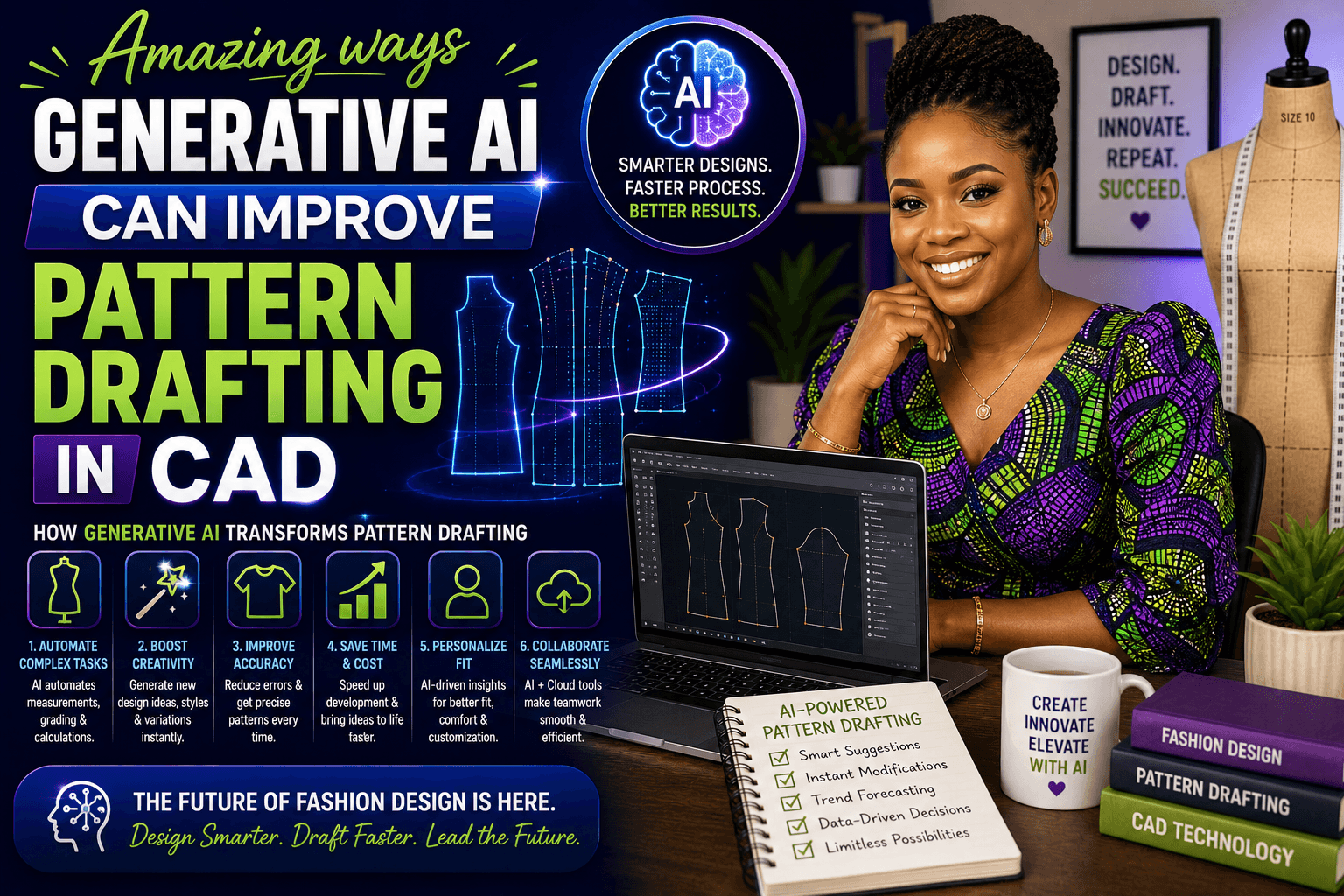
How generative AI is transforming fashion design and pattern drafting
One of the biggest changes is speed. A design that used to take several sketches and a lot of trial and error can now be explored in minutes. That does not mean the work is finished in minutes, but it does mean you can test more ideas before committing to a final direction.
Another big change is variety. If you are stuck on one design idea, generative AI can suggest different necklines, sleeve shapes, hem lengths, or style details. This is especially helpful when you are learning pattern design because it gives you more examples to think through instead of relying on a single guess.
Where this helps most
- Early design planning: exploring silhouettes before drafting.
- Style variation: testing several versions of one garment idea.
- Measurement organization: keeping size data clear and reusable.
- Pattern workflow: reducing repetitive redrawing in CAD.
- Communication: showing a clearer concept before making the first sample.
How AI supports CAD pattern drafting in a practical way
If you are a beginner, the easiest way to think about AI is as a helper for the front end of the process. It can help you think, but your CAD software is where the real pattern work happens. That is why the strongest workflow usually combines both: creative support from generative AI and technical control from CAD.
A simple workflow you can try
- Start with your idea. Decide what you want to make, such as a fitted top, shift dress, or relaxed blouse.
- Gather measurements. Use accurate body measurements or a size chart that matches your project.
- Ask AI for design options. Use it to brainstorm sleeves, necklines, darts, pleats, or style lines.
- Draft your base shape in CAD. Begin with a block or sloper, which is a basic pattern with no style details added yet.
- Edit carefully. Add the design lines, then check fit, balance, and seam lengths.
- Save versions as you go. This makes it easier to compare changes and avoid losing good work.
This is where CAD pattern drafting becomes so valuable. In a digital workspace, you can make a change without starting from scratch. If the waist is too tight, if the shoulder needs more room, or if the dart point needs adjusting, you can update the pattern and keep moving instead of redrawing everything by hand.
What AI can do well, and what it still cannot do
I think it is important to be honest here: generative AI is useful, but it is not a replacement for pattern-making judgment. It can help you create ideas and move faster, but it cannot feel fabric, test fit on a real body, or understand how a design behaves in motion the way a human maker can.
AI can help with
- brainstorming new garment ideas
- suggesting design details
- organizing size or measurement information
- speeding up repetitive tasks
- creating a starting point for pattern design
AI cannot replace
- real fitting knowledge
- fabric behavior testing
- sewing sample adjustments
- professional pattern judgment
- the final decision-making that makes a garment wearable
That is why I always tell beginners to treat AI like a helper, not an authority. If the design looks good on screen but the pattern is awkward at the bust, shoulder, or hip, the fitting issues still need your attention. The machine can suggest, but the maker decides.
Beginner tips for using generative AI without getting overwhelmed
If you are new to both AI and CAD, please do not try to learn everything at once. Start small. Pick one simple garment and one small goal, like exploring neckline ideas or comparing sleeve options. Small projects teach you much faster than complicated ones.
- Keep your prompts specific. Instead of asking for “fashion ideas,” try “a beginner-friendly dress design with a simple sleeve and waist shaping.”
- Use the AI output as inspiration, not a final pattern. Always check the design in your CAD software.
- Work from accurate measurements. Good measurements matter more when you are drafting digitally.
- Check ease. Ease is the extra room built into a garment so you can move comfortably.
- Save every version. Digital files make it easy to compare drafts, which is a huge advantage.
Common mistakes to avoid
When people first combine AI with pattern design, they often make the same few mistakes. The good news is that they are easy to fix once you notice them.
- Trusting the AI too much: a beautiful image is not the same thing as a workable pattern.
- Skipping measurements: pattern drafting still depends on body data and garment intention.
- Ignoring fabric type: stretch fabrics, woven fabrics, and drapey fabrics behave very differently.
- Forgetting to test fit: a muslin or test version can save you a lot of frustration.
- Making too many changes at once: change one thing, check it, then move on.
A simple mindset shift that makes learning easier
One of the best things about generative AI is that it can reduce the fear of the blank page. Instead of thinking, “I have to design the perfect pattern right now,” you can think, “I only need a starting point.” That small shift makes fashion design feel much more approachable, especially for beginners.
And honestly, that is where the real transformation is happening. AI is not just making fashion faster; it is making experimentation easier. That means more people can explore pattern design, build confidence in CAD, and slowly develop the kind of technical eye that used to feel out of reach.
Final thoughts
Generative AI is transforming fashion design and pattern drafting by helping us brainstorm faster, explore more options, and work more efficiently in CAD. But the magic still happens when human creativity, careful measuring, and solid fitting skills come together. If you are a home sewer or beginner, start small, keep practicing, and let AI support your process instead of controlling it.
The more you work with generative AI and CAD pattern drafting, the more natural it becomes to move from idea to pattern with confidence. Be patient with yourself, keep testing, and remember that every good draft starts with one simple step.
FAQ: Generative AI and CAD pattern drafting
What is generative AI in fashion design?
Generative AI is a type of AI that can create new ideas or variations based on what it has learned. In fashion design, it can help with sketches, silhouette ideas, style details, and early concept development.
Can AI draft a sewing pattern for me?
AI can help you get started, but it usually cannot replace full pattern drafting judgment. You still need CAD software, accurate measurements, and fitting knowledge to create a usable pattern.
Do I need advanced CAD skills to use AI in pattern drafting?
No. A beginner can still use AI for inspiration while learning basic CAD pattern drafting step by step. Start with simple projects and build your skills gradually.
How does CAD make pattern design easier?
CAD makes it easier to edit, save, copy, mirror, and adjust pattern pieces without redrawing them by hand. It is especially helpful when you want to test several versions of the same design.
What is the biggest mistake beginners make when using AI for pattern drafting?
The biggest mistake is treating AI-generated ideas like final patterns. AI can give you a helpful starting point, but you still need to check fit, measurements, and fabric behavior.
Is generative AI useful for home sewers?
Yes. Home sewers can use generative AI to brainstorm design ideas, plan pattern changes, and make the drafting process feel less intimidating. It is especially helpful when you want to explore new styles without starting from scratch.
How can I use AI without losing my own design style?
Use AI as a brainstorming tool, not a replacement for your taste. Choose the ideas that fit your vision, then refine them in CAD so the final pattern reflects your style and sewing goals.