I still remember the first time I tried to turn a paper bodice into a clean digital file for a friend. I thought CAD pattern drafting would be too technical, but once I saw how the pieces snapped into place on screen, it felt like sewing with a superpower. If you want a simple place to start, grab MULTISIZE MEASUREMENT TABLE FOR YOUR CAD SOFTWARE. and keep it close while you learn.
At its simplest, CAD pattern drafting is just pattern making on a computer. Instead of moving paper on a table all day, you build your pattern pieces in software, edit them faster, and export them as clean files. For home sewers, that means fewer tracing headaches. For fashion designers, it means a faster path from idea to sample.
And here is the part I love: once you understand the basics, you can use CAD to create polished digital patterns that look professional and print well. If you like seeing ready-to-use styles, take a look at my sleeveless pattern PDFs to get a feel for how neat digital files can support your sewing and design work.
To start freelancing, you do not need a giant setup. A decent laptop or desktop, one pattern software program, a measuring tape, and patience are enough to begin. What matters most is learning how to measure correctly, build clean blocks, and save your files in a way clients can understand.
OTHER RELEVANT BLOG POST


The real trick is to start small. Choose one garment type, learn one software, and practice the same workflow until it feels natural. That is how you move from curious beginner to someone who can actually help others with pattern work.
What freelance CAD pattern drafting really means
Freelance CAD pattern drafting means you offer digital pattern services to clients instead of working only for one company. You might draft blocks, clean up hand-drawn patterns, grade sizes, convert paper patterns into CAD files, or prepare production-friendly layouts. Some clients want fashion samples. Others want home sewing PDFs. A few may just need a pattern made neat and easy to use.
The nice thing is that this work can grow with you. You do not need to know everything on day one. You just need a clear workflow, a few sample projects, and the willingness to keep improving as you go.
OTHER RELATED BLOG POST
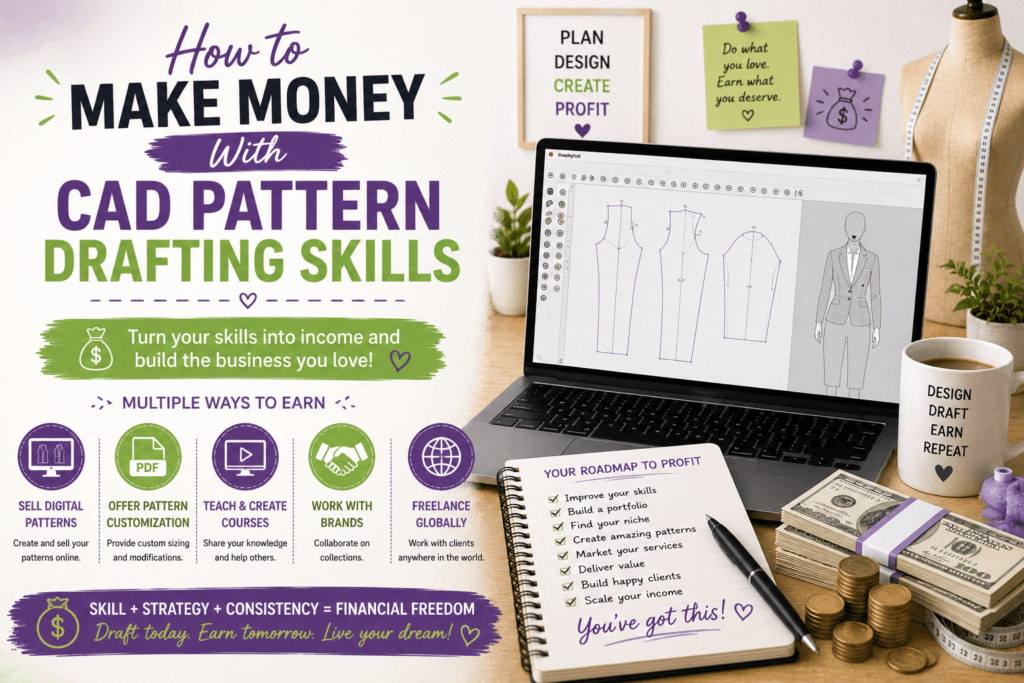
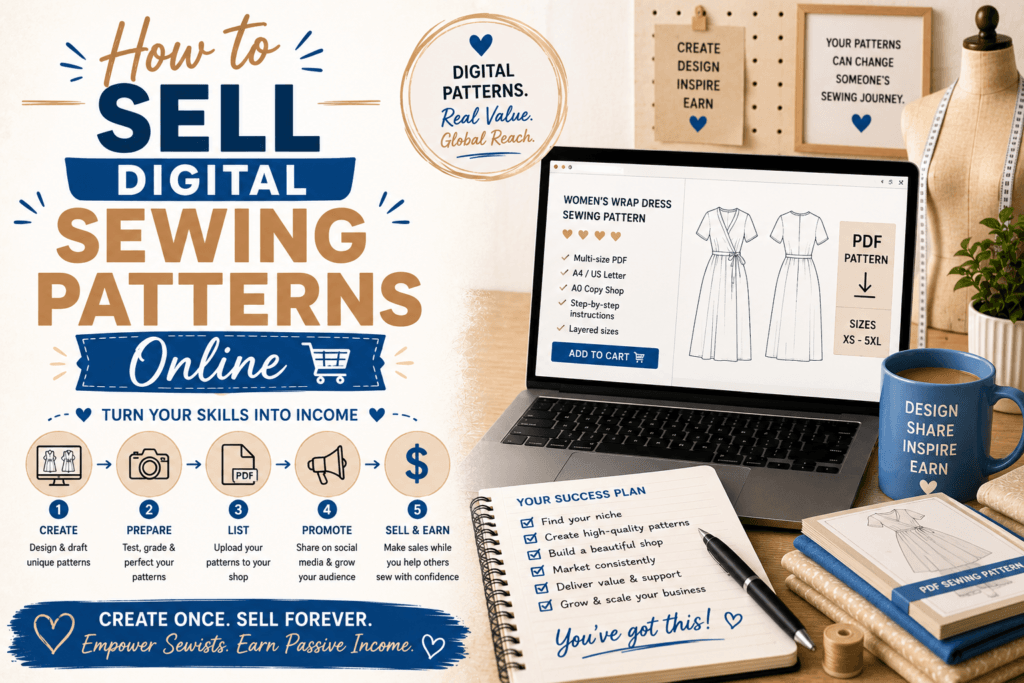
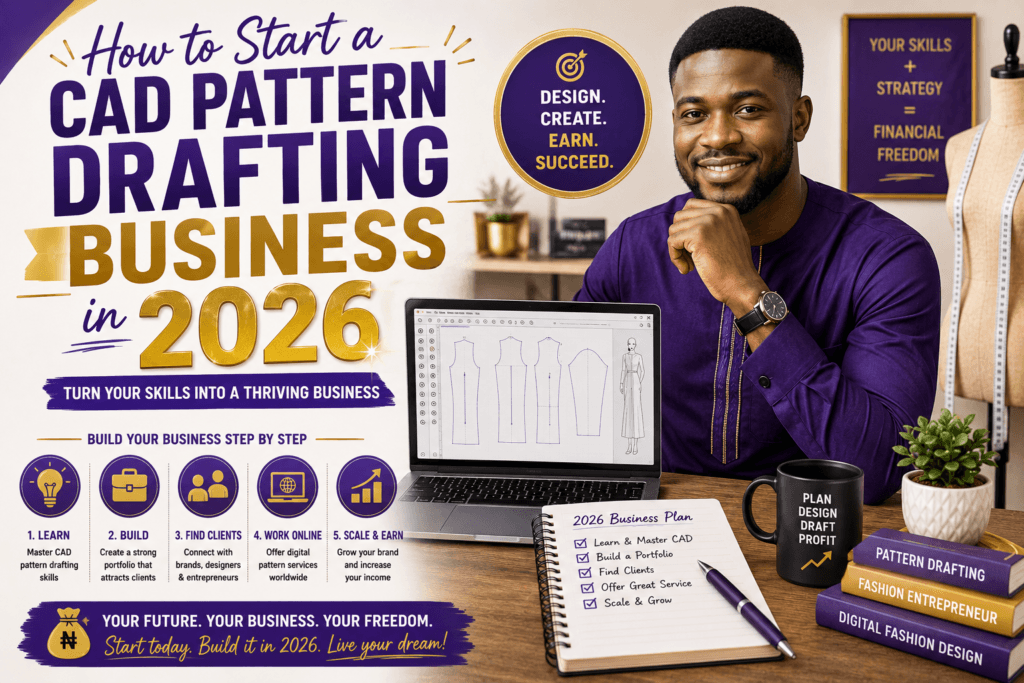
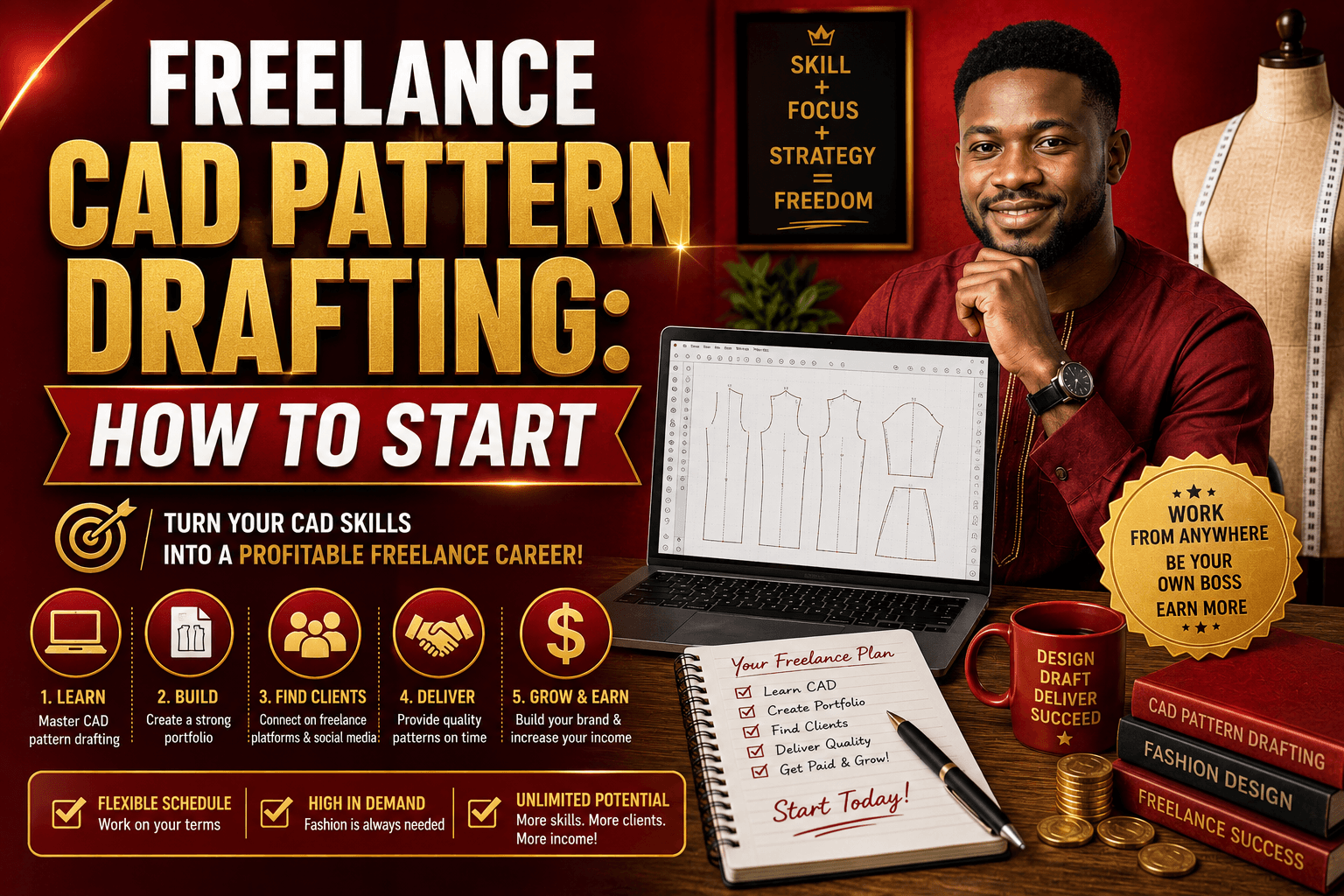
How to start freelance CAD pattern drafting without overwhelm
- Pick one software tool. Start with one program instead of trying five at once. Good beginner choices include Seamly2D for open-source pattern work, AutoCAD for technical drafting, and Adobe Illustrator for clean vector-based pattern presentation.
- Practice a basic block. Start with a skirt block, bodice block, or sleeve block. These simple shapes teach you how measurements, curves, and seam lines work together.
- Learn to measure properly. Accurate measurements are everything. If you want less guesswork, keep a multisize chart beside you and compare it with your size range before you draft.
- Export and test your files. Print your patterns, tape them together, and check the fit on real paper. A digital file only feels professional when it behaves well in the real world.
- Build a tiny portfolio. Show before-and-after examples, clean pattern pieces, and one finished garment photo if you can. Even three strong samples can help you look ready for paid work.
Tools that make the process easier
You do not need the fanciest setup, but a few tools can make life easier:
- Seamly2D for drafting and drafting blocks with pattern measurements.
- AutoCAD if you like precise technical control and industry-style drafting.
- Adobe Illustrator for cleaner presentation, labels, and pattern sheet layout.
- CLO3D if you want to explore 3D garment visualization later on. See the official site at CLO3D.
- A reliable printer, paper, ruler, curve tools, and a notebook for measurement notes.
My advice? Learn the tool that helps you think clearly, not the one that makes you feel lost. You can always add more software later.
How to get your first freelance clients
Once you can draft a few clean patterns, offer one simple service at a time. You might start with pattern cleanup, digitizing paper patterns, size grading, or PDF pattern formatting. Home sewers, indie designers, and small brands often need help with exactly these tasks.
- Post your samples on Instagram, Pinterest, or Behance.
- Share a short reel showing your drafting process.
- Tell friends, sewing groups, and local designers what you do.
- Offer a small starter package with one clear price.
- Keep your turnaround times realistic and professional.
If you want more structured learning, you can also visit my courses page for ways to turn your skills into a real service.
Common mistakes to avoid
- Trying to learn too many tools at once.
- Skipping measurement checks.
- Forgetting to test print your patterns.
- Making your portfolio too busy instead of clear.
- Waiting until you feel perfect before you start.
Progress comes faster when you keep your workflow simple. Clean drafting, clear notes, and repeat practice will take you farther than fancy features you do not use.
FAQ
Is CAD pattern drafting good for beginners?
Yes. If you already understand basic sewing or pattern making, CAD can actually make things easier because you can edit, save, and reuse your work without redrawing everything from scratch.
What software should I start with?
Start with one tool that matches your goal. Seamly2D is a great place to begin for pattern drafting, while Illustrator and AutoCAD are useful if you want more technical or polished digital output.
Do I need fashion school to become a freelancer?
No. Strong practice, clear samples, and a simple service offer can take you a long way. Many successful freelancers build their skills step by step from home.
How do I know what to charge?
Start with a beginner-friendly price for one service, then raise it as your speed and quality improve. Look at what similar pattern makers charge and make sure your pricing respects your time.
What should I practice first?
Practice a basic block, like a skirt or bodice, then learn how to grade it into sizes and export a clean PDF. That gives you a strong foundation for client work.
If you are serious about learning the easy way, keep practicing one garment at a time, save your best work, and build your confidence as you go. Freelance CAD pattern drafting is not about being perfect. It is about being useful, consistent, and easy to work with.