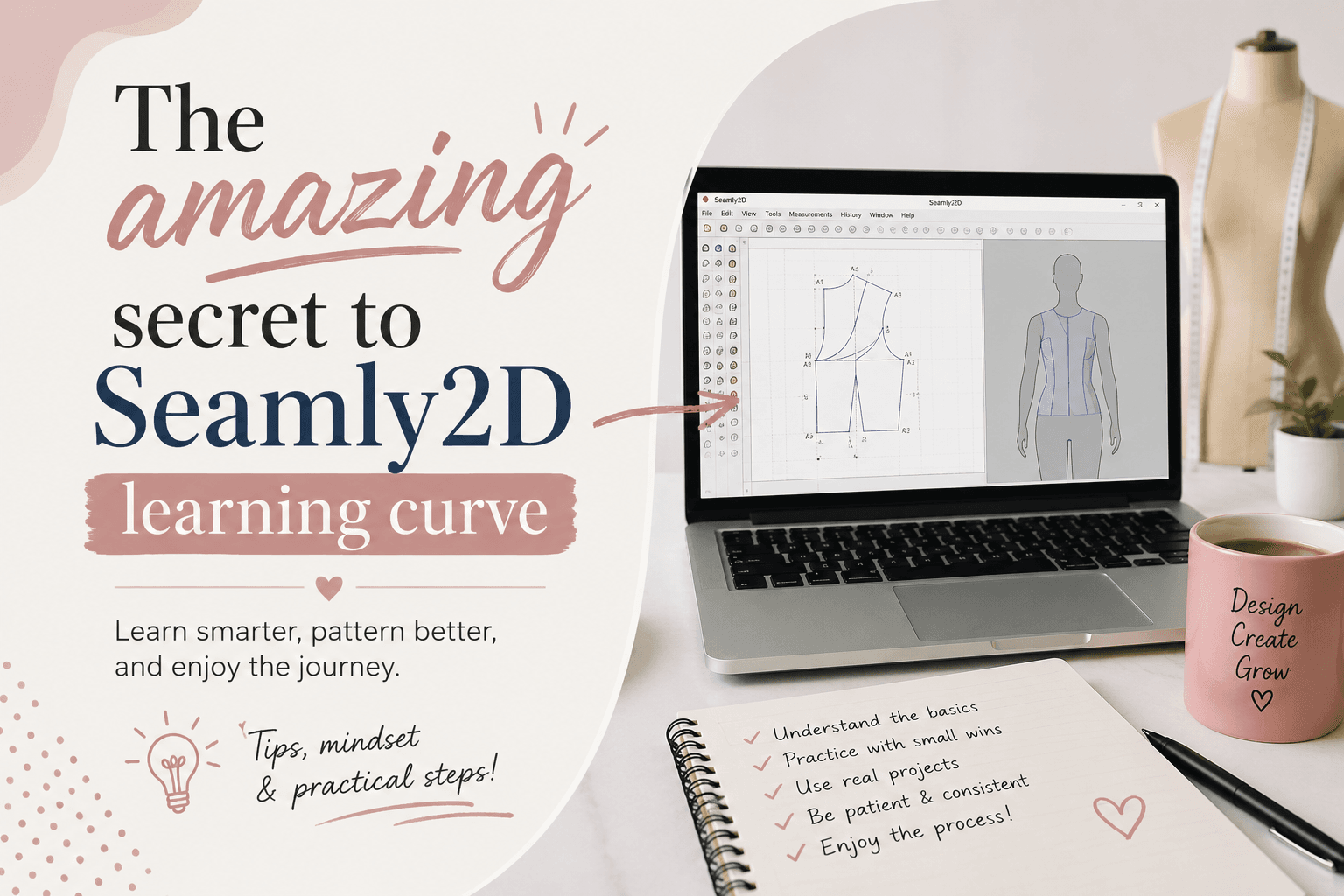
If you have just opened Seamly2D for the first time and thought, “How hard can this be?”, you are not alone.
Many beginners start with excitement, expecting a straightforward design program, and quickly realize that learning Seamly2D is different from learning standard drawing software.
MULTISIZE MEASUREMENT TABLE FOR YOUR CAD SOFTWARE.
It is powerful, precise, and incredibly useful for digital pattern drafting, but it also asks you to think in a very specific way.
OTHER RELEVANT BLOG POST



That is what nobody tells you at the beginning: Seamly2D is not just a tool you click through.
It is a logic-based pattern drafting system that rewards patience, consistency, and a solid understanding of measurements and construction. Once you get past the early frustration, though, it becomes one of the most practical tools for dressmaking, fashion design, home sewing, and custom pattern making.
Why Seamly2D Appeals to Pattern Makers
Seamly2D has become popular because it offers something many sewing and fashion enthusiasts want: a way to create accurate digital sewing patterns without relying on expensive proprietary software. As an open source CAD pattern drafting program, it gives you the freedom to build custom garments, experiment with design ideas, and refine patterns with precision.
For anyone interested in digital pattern drafting, Seamly2D can be a game changer. Instead of redrawing the same shapes by hand, you can create a pattern that is based on measurements, formulas, and construction logic. That makes it especially helpful for anyone who wants to produce repeatable, adjustable patterns for real-world sewing projects.
Why the Learning Curve Surprises Beginners
The first surprise for many users is that Seamly2D does not behave like a typical illustration app. In software like basic drawing tools, you can often drag objects around until they look right. In Seamly2D, every point, line, curve, and calculation must make sense in relation to the pattern construction process.
This is why beginners sometimes feel stuck even after watching a few tutorials. The challenge is not just learning where the buttons are. It is learning how the software thinks. You need to understand measurements, points, variables, formulas, and how each step in the drafting process depends on the last one.
That may sound intimidating, but it is also what makes the software so powerful. Once the logic starts to click, Seamly2D becomes much easier to use and much more predictable.
CONVERT YOUR PATTERN DRAFTING SKILLS TO REVENUE
What Makes Seamly2D Different from Other Design Software
Seamly2D stands apart from more familiar design tools because it is built specifically for pattern drafting. Instead of focusing on freehand creativity alone, it focuses on accuracy, construction, and repeatability. This makes it especially valuable for sewing tutorials, professional pattern development, and custom garment creation.
Here are a few ways it is different:
- It is measurement-driven. Your pattern starts with body measurements or sample measurements, not random shapes.
- It uses construction logic. Each element is built from defined points and formulas.
- It prioritizes precision. Small mistakes in measurement or calculation can affect the whole pattern.
- It is designed for pattern makers. The tools are practical, but they may feel unfamiliar if you are used to general design software.
For this reason, learning Seamly2D is not just about software skills. It is also about developing a stronger understanding of pattern making itself.
OTHER RELEVANT BLOG POST
The First Challenges Beginners Run Into
If you are new to Seamly2D, the first few sessions can feel overwhelming. That is completely normal. Most beginners run into the same early obstacles, and knowing them ahead of time can save you a lot of frustration.
Understanding the Interface
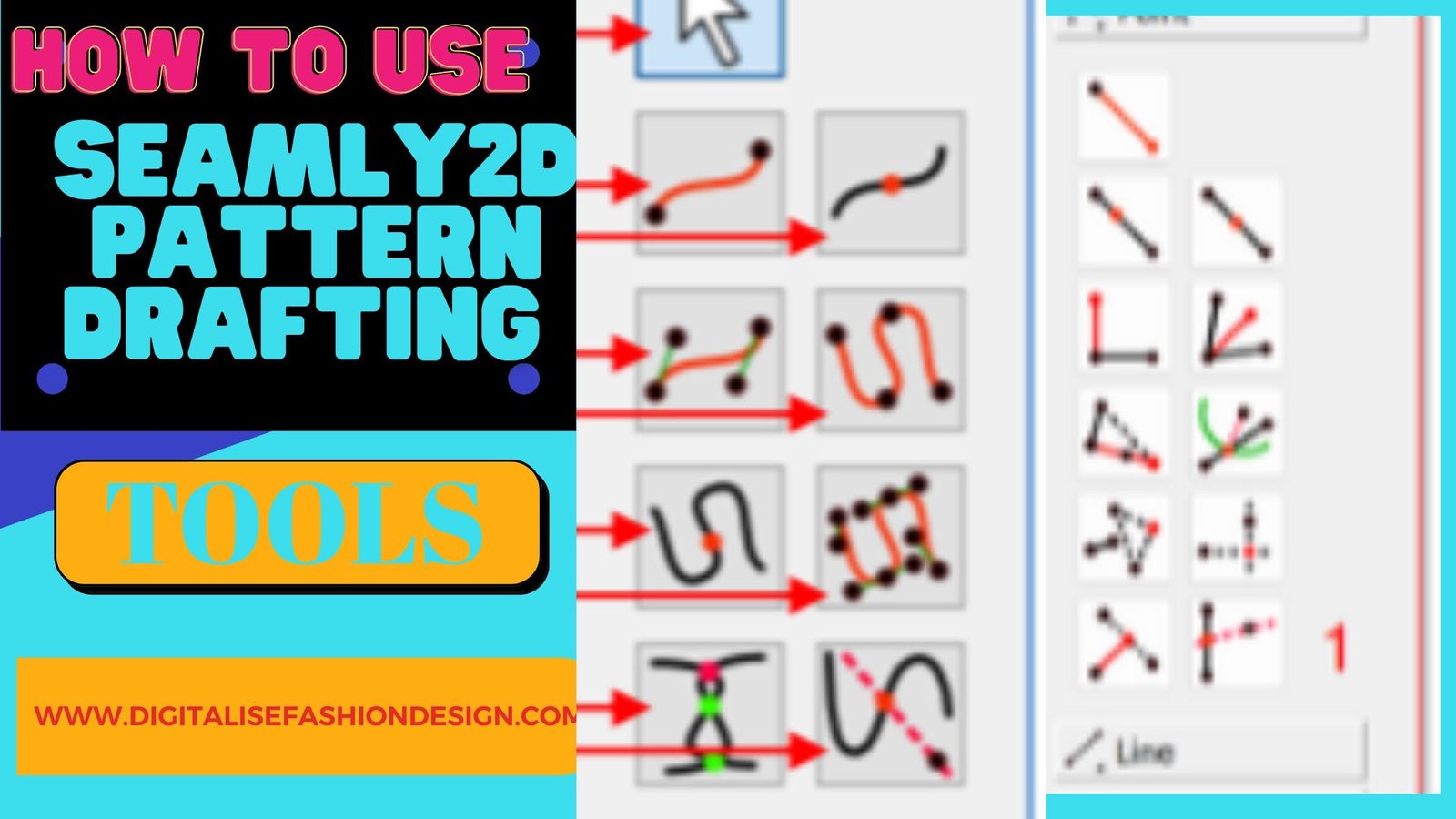
At first glance, the interface may feel crowded or unfamiliar. There are tools, panels, and settings that all seem important at once. The best way to handle this is to start small. Learn the layout step by step instead of trying to master everything in one sitting.
Learning the Terminology
Pattern drafting has its own vocabulary, and Seamly2D uses that language heavily. Terms like point, curve, line, seam allowance, and formula are basic building blocks. If you are new to fashion design or sewing, this can feel like learning a second language.
Do not rush this part. Understanding the terminology will make every future tutorial easier to follow.
Getting Used to Measurement Inputs
One of the biggest differences between Seamly2D and casual design tools is how precise it is about measurements. You must enter values carefully and understand what each measurement represents. If your input is wrong, the pattern can quickly go off track.
This is why many experienced users recommend testing with sample measurements first. It gives you room to practice without worrying about ruining a custom project.
Making Sense of Drafting Formulas
Seamly2D often uses formulas to determine distances, angles, and relationships between pattern points. For some beginners, this is the hardest part. But once you realize that formulas are simply instructions for building the pattern accurately, they become much less intimidating.
Instead of thinking of formulas as advanced math, think of them as part of the pattern construction process. They help the software do the exact work your hands would normally do on paper.
Common Mistakes to Avoid When Learning Seamly2D
A lot of early frustration comes from avoidable mistakes. If you know what to watch for, you can make steady progress much faster.
- Skipping the basics. It is tempting to jump straight into a complex garment, but that usually leads to confusion.
- Rushing through tutorials. Seamly2D is easier to learn when you follow each step carefully.
- Not checking measurements. One small input error can affect the entire pattern.
- Expecting instant results. This software takes practice, especially if you are new to digital pattern drafting.
- Trying to learn too many features at once. Focus on one tool or one pattern technique at a time.
These mistakes are normal, but avoiding them can make the learning process much smoother.
Tips for Learning Seamly2D Faster
The good news is that there are practical ways to shorten the learning curve. You do not need to become an expert overnight. You just need a smarter approach.
Start with a Simple Pattern
Choose a basic project first, such as a simple skirt block, bodice block, or another beginner-friendly practice pattern. A simple pattern helps you learn the workflow without being overwhelmed by too many construction steps.
Follow One Tutorial at a Time
It can be tempting to watch several Seamly2D tutorials at once, but that often creates more confusion. Pick one source, complete one lesson, and repeat the steps before moving on. Consistency matters more than speed.
Practice Regularly
Like sewing itself, pattern drafting improves with repetition. Even short practice sessions can help you remember the interface, tools, and drafting process. The more often you use Seamly2D, the more natural it will feel.
Keep Notes on Your Workflow
Write down shortcuts, tool names, and the steps that help you most. This is especially useful when you are learning technical software like Seamly2D. A small notebook or digital note can save you a lot of time later.
Use Sample Measurements Before Custom Projects
Before drafting for yourself or a client, test the process with sample measurements. This reduces pressure and lets you focus on learning the software instead of worrying about fit. Once you understand the workflow, you can move on to custom measurements with more confidence.
Helpful Resources for Beginners
You do not have to learn Seamly2D alone. In fact, using the right resources can make a huge difference in how quickly you improve.
- Official documentation and tutorials. These are the best place to start because they explain the software directly from the source.
- Community forums and user groups. Other users often share tips, troubleshooting advice, and real-world pattern drafting examples.
- Practice patterns for beginners. Working from simple templates can help you build confidence before creating original designs.
If you are stuck, chances are someone else has already faced the same issue. Seamly2D has an active community, and that support can make the learning process much less stressful.
What to Expect After the First Learning Phase
After you get through the initial confusion, something important happens: Seamly2D starts making sense. The tools feel more predictable, the terminology becomes familiar, and the drafting process starts to feel logical instead of chaotic.
At that point, you may notice that your confidence grows quickly. You will spend less time wondering what to click and more time thinking about design, fit, and construction. That is when Seamly2D becomes truly useful for dressmaking, sewing, and fashion design.
It will still require attention to detail, but it no longer feels like a mystery. You begin to see how digital pattern drafting can save time, improve accuracy, and give you more creative control over your projects.
Conclusion
Learning Seamly2D takes patience, especially in the beginning. The interface, terminology, and logic-based workflow can feel intimidating at first, but that does not mean the software is too difficult to master. It simply means you need the right approach.
Start with the fundamentals, work through one tutorial at a time, and practice with simple patterns before moving on to more advanced projects. With time, Seamly2D becomes much more manageable, and its precision makes it a valuable tool for anyone interested in pattern making, digital pattern drafting, or open source CAD design for sewing.
The truth is, the learning curve is real, but so is the reward. Once Seamly2D clicks, it opens the door to faster workflows, better-fitting patterns, and more control over your sewing and fashion design projects.
SUBSCRIBE TO MY YOUTUBE CHANNEL TO LEARN CAD PATTERN DRAFTING.