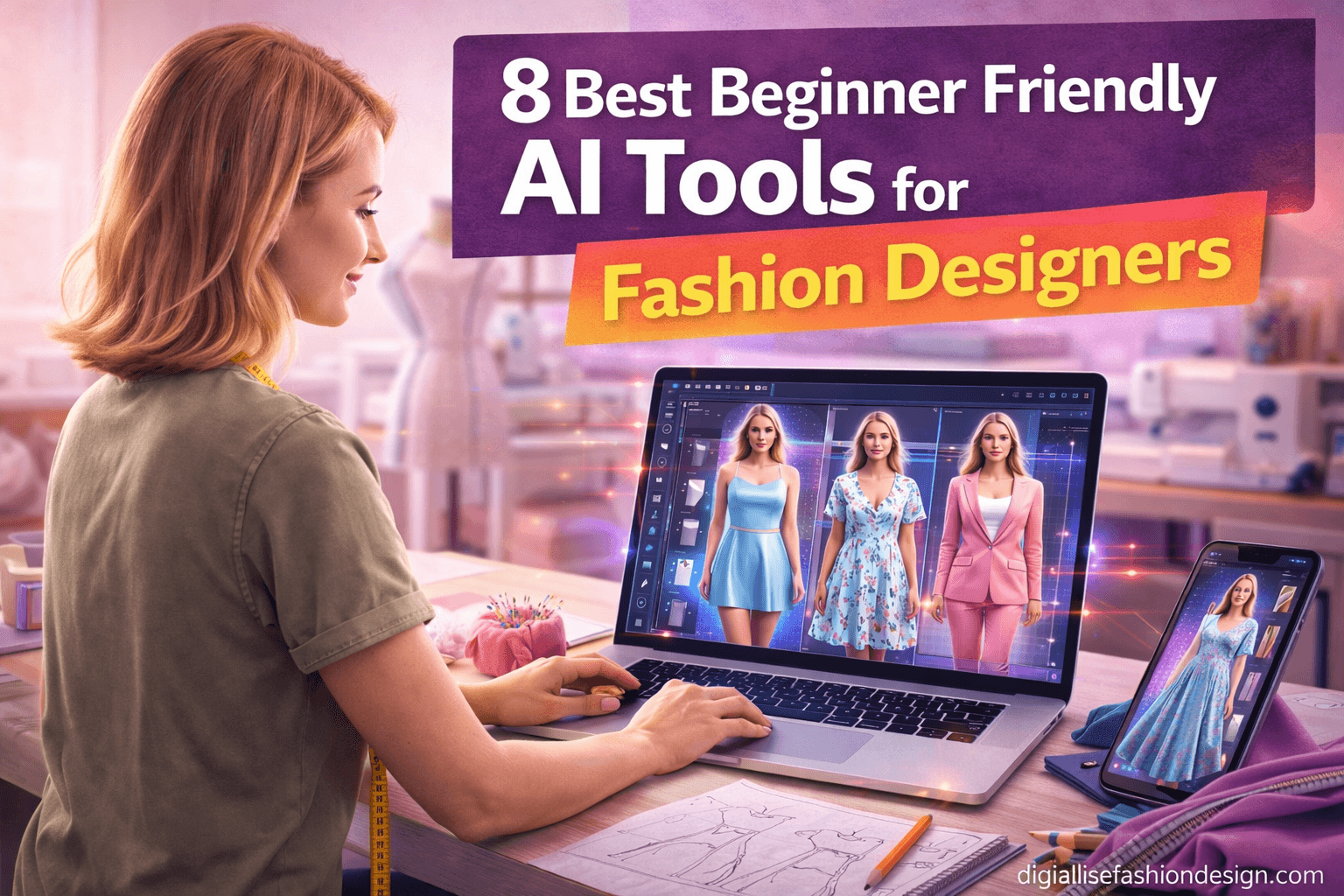
8 Best Beginner-Friendly AI Tools for Fashion Designers (2026)
8 Best Beginner-Friendly AI Tools for Fashion Designers
No tech background needed. These tools are changing how designers sketch, present, and sell — and you can start using most of them today, for free.
DOWNLOAD YOUR FREE CAD MEASURMENT WORKSHEET
12 min read Updated April 2026 All skill levels welcome
OTHER RELEVANT BLOG POST


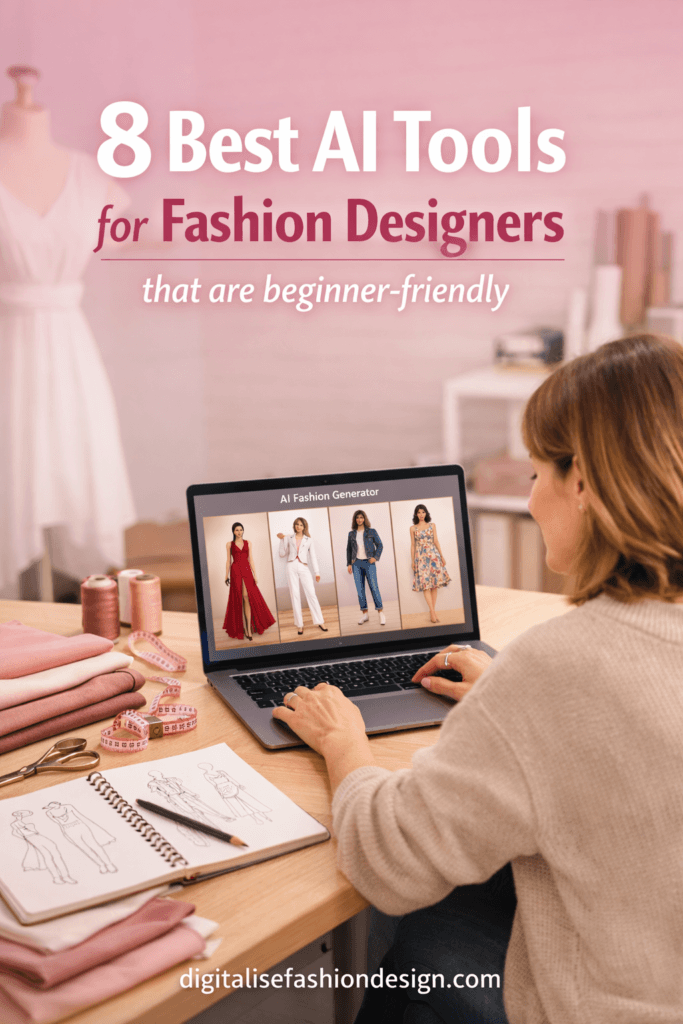
You don’t need to be a tech wizard to use AI in your fashion workflow. Whether you’re sketching your first collection, hunting for trend inspiration, or trying to speed up the parts of design that feel like a grind — there’s an AI tool practically made for you.
What’s inside this guide
- Adobe Firefly — Visual ideation without the blank-canvas panic
- Midjourney — Mood boards on demand
- CLO 3D — Virtual garment fitting
- Designovel — AI trend forecasting made simple
- Stable Diffusion — Free, powerful, fully yours
- ChatGPT — Your always-on creative collaborator
- Revery AI — Virtual try-on for e-commerce
- Runway ML — Video & motion for fashion content
Why designers are rushing to adopt AI tools for fashion designers(and why you should too)
Let’s be real — the fashion industry moves fast.
Trends cycle in weeks, not seasons. Clients want to see three concept directions before your coffee gets cold.
Deadlines are always yesterday.
AI doesn’t replace your creative instinct — it turbocharges it.
Think of these AI tools for fashion designers as the world’s most tireless intern: always available, never precious about starting over, and genuinely getting better every single month.
The good news for beginners?
Most of these tools have been built with non-technical users firmly in mind. You type what you imagine, and something beautiful (or at least incredibly useful) appears.
Let’s dig in.
Quick note: This guide focuses on tools that are truly accessible — no coding background, no expensive hardware, no six-month learning curve. If you’ve ever used Canva, Pinterest, or Google Docs, you’re already halfway there.
Tool 01 of 08
Adobe Firefly
FreemiumText-to-Image Commercially Safe
If you’re already living inside the Adobe ecosystem — Illustrator, Photoshop, InDesign — Adobe Firefly slots in like it was always meant to be there. And for fashion designers, that’s a very big deal. You can type something like
“a structured oversized blazer in sage green, editorial lighting, flat lay”
and get four polished concept images within seconds. Then drag the result straight into your Illustrator artboard.
What makes Firefly a dream for beginners is that it’s trained on licensed content. That means no copyright headaches when you use your outputs commercially — something that matters enormously when you’re pitching to brands or selling your designs.
The Generative Fill feature inside Photoshop is particularly addictive.
You can remove a background from a fabric swatch, swap a collar style, or add a pattern overlay without ever touching the pen tool. It genuinely feels like magic the first time you use it — and then it just becomes part of your normal Tuesday.
★Best for: Designers already using Adobe Creative Cloud who want AI woven directly into their existing apps, with zero platform-switching required.
Tool 02 of 08
Midjourney AI tool for fashion designers
Paid (from $10/mo)Mood Board Generation Aesthetic-First
Ask anyone in the creative industry what AI image tool produces the most visually jaw-dropping results, and most of them will say Midjourney — without much hesitation.
The outputs have a painterly, editorial quality that feels less like a computer output and more like something from a high-end lookbook.
For fashion, this is absolute gold.
You access it through Discord (yes, the gaming platform — it’s a bit weird at first, but you get used to it in about ten minutes), type your prompt, and within roughly a minute you have four beautiful image variations to work with.
Try prompts like: “haute couture gown, deconstructed silhouette, Tokyo street style, shot on film” and prepare to be genuinely surprised by what comes back.
Midjourney is especially powerful for mood boarding and collection concept development.
Instead of spending a week clipping images from magazines, you generate exactly the visual references you need in an afternoon.
Clients love seeing AI-generated concept boards in early presentations — it makes everything feel more considered and intentional before a single sketch has been drawn.
★Best for: Concept development, client mood boards, collection editorial direction, and exploring new aesthetic territories quickly.
OTHER RELATED BLOG POST
Tool 03 of 08
CLO 3D (with AI tools for fashion designers features)
Paid (subscription)3D Garment Simulation Industry Standard
CLO 3D has been around for a while, but its recent AI-enhanced features have firmly earned its spot on this list.
This is software for creating realistic 3D garment simulations — imagine being able to drape a fabric, watch it move, and see exactly how it behaves on a body before you’ve cut a single piece of cloth.
That’s what CLO does.
For beginners, the learning curve is steeper than the other tools here — this one genuinely takes a few weeks of practice to feel comfortable.
But CLO has invested heavily in tutorials and their community is one of the most supportive in the industry.
The AI tools for fashion designers features include intelligent pattern suggestions, automatic fabric mapping, and collision detection that mimics real-world physics with impressive accuracy.
The business case is compelling and hard to argue with: you eliminate multiple sample rounds.
Instead of paying for physical samples that might not work, you refine virtually until you’re confident.
Big brands use CLO to save tens of thousands of dollars per collection.
For independent designers, even saving one or two sample rounds pays for the subscription many times over.
★Best for: Designers ready to reduce sampling costs, explore fit digitally, and add 3D portfolio pieces that genuinely stand out from the crowd.
CONVERT YOUR CAD PATTERN DRAFTING TALENT TO REVENEW
Tool 04 of 08
Designovel
Paid Trend Forecasting Data-Driven
Trend forecasting used to require either a serious budget (WGSN subscriptions aren’t exactly cheap) or a lot of intuition and endless Instagram scrolling.
Designovel changes that equation.
This AI tool for fashion designers platform analyzes millions of social media posts, runway images, and e-commerce data points to surface emerging trends before they hit mainstream consciousness.
The interface is clean and beginner-friendly — you select a category (womenswear, accessories, footwear), a target market (EU, US, Asia), and a timeframe.
The AI then surfaces visual trend clusters with confidence scores, giving you a genuine sense of what’s building under the surface.
It also generates design suggestions based on those trends, which you can save, share, or use as a starting point for your own sketches.
What separates Designovel from just scrolling Pinterest is the pattern recognition happening under the hood.
It’s not showing you what’s popular right now — it’s showing you what’s about to be popular, based on how similar aesthetic movements have historically moved through markets.
That’s a genuinely different kind of information.
★Best for: Independent designers and small brands who want professional-level trend intelligence without needing an enterprise forecasting budget.
Tool 05 of 08
Stable Diffusion (via Easy UIs)
Free Open Source Fully Customizable
If you want complete creative control and don’t mind a slightly longer setup time, Stable Diffusion is the open-source powerhouse that professionals use to build custom AI workflows.
And before you click away thinking “that sounds too technical” — hear us out.
There are now browser-based interfaces (like Automatic1111 or ComfyUI) that let you run Stable Diffusion without any coding whatsoever.
The major advantage over Midjourney is ownership. Your images are genuinely yours, with no commercial licensing complications.
But the really exciting part? You can fine-tune the model on your own design aesthetic. Upload 20 of your own sketches, and within an hour you have an AI that generates new designs that actually look like you made them. That’s a game-changer for developing a consistent, recognizable design voice.
There’s also a thriving community building fashion-specific model checkpoints and style adapters that are freely shared online.
Want an AI trained on 1970s sportswear silhouettes? Or Edwardian tailoring details? There’s probably already a community-built model for that exact thing, available to download for free.
★Best for: Designers who want full ownership, custom style training, and are willing to invest a small amount of initial setup time for much greater long-term flexibility.
Tool 06 of 08
ChatGPT
FreemiumText + Vision Creative Writing
You might be wondering why a chatbot is on a list of fashion design tools.
Here’s why:
so much of fashion design is actually writing. Collection briefs. Buyer pitch decks. Trend reports. Email newsletters. Product descriptions. Press releases. Instagram captions. If you’ve ever stared at a blank document not knowing how to start, ChatGPT is about to become your favourite tool in the entire stack.
But it goes well beyond writing.
Use it to research a historical period for a collection reference. Ask it for 30 colour palette concepts for a summer collection, complete with names and emotional associations.
Upload a sketch photo and ask for constructive design feedback. Generate a client questionnaire for gathering brief information. Draft a manufacturer enquiry in perfect professional language — in any language you need.
With the image generation feature built in via DALL-E, you can also sketch rough ideas and have them rendered into cleaner concept images, all within the same conversation.
For designers working alone or in small teams, ChatGPT functions like having a research assistant, copywriter, and creative sounding board available 24 hours a day, 7 days a week.
★Best for: Every single fashion designer. This has the broadest use case of anything on this list — start here if you haven’t already. Seriously, start here today.
Tool 07 of 08
Revery AI
Freemium Virtual Try-OnE-commerce Ready
If you sell your designs online — or plan to — Revery AI solves one of e-commerce fashion’s biggest and most persistent headaches:
product photography.
Traditional shoots require models, photographers, studios, and post-production. Revery AI tool for fashion designers lets you upload a flat garment image and a model photo, and it realistically places the garment on the model using AI. The results are genuinely impressive and they’re getting better with every update.
For independent designers, this is genuinely transformative. You can photograph your samples on a mannequin or as flat lays, then use Revery to show them on diverse model types without needing to hire multiple models or run multiple shoots. You can also swap between different model profiles to see how a piece photographs across different skin tones and body types — which also helps you design with true inclusivity actually built into your process, not bolted on as an afterthought.
The AI tool for fashion designers also works in a compelling reverse direction:
show clients how a custom piece will look on their own photo. Upload a reference image of the client (with their permission, of course) and a garment render, and you have a personalised preview that closes sales. Customers who can actually “see” themselves in a product convert at dramatically higher rates — the data on this is very clear.
★Best for: Independent designers and small brands who need professional-quality product photography without the studio budget that used to make it possible.
Tool 08 of 08
Runway ML
Freemium Video Generation Content Creation
Fashion is increasingly video-first. Instagram Reels, TikTok, brand films, runway recap content — if you’re not producing video, you’re leaving significant visibility on the table.
Runway ML makes video creation accessible to designers who have never touched video editing software in their lives, and it’s a genuinely impressive piece of kit.
The standout feature for fashion designers is Gen-3, Runway’s text-to-video and image-to-video AI. You can take a static fashion image — say, one of your Midjourney concept renders — and animate it. A dress appears to sway. A model turns to face the camera. Fabric ripples as if caught by a breeze. The results aren’t perfect cinema, but they are absolutely compelling for social media content, and the novelty factor alone drives serious engagement.
Runway AI tool for fashion designers also includes a robust video editor with AI-powered background removal, colour grading, motion tracking, and lip sync AI tools. For a designers who wants to create behind-the-scenes content, brand videos, or animated lookbooks without hiring a production team, this is the most accessible entry point available right now.
No film school required.
★Best for: Designers wanting to create compelling video and motion content for social media, brand storytelling, and animated digital portfolios.
Quick comparison at a glance
| Tool | Primary Use | Pricing | Difficulty |
|---|---|---|---|
| Adobe Firefly | Image generation & editing | Free tier available | Very easy |
| Midjourney | Mood boards, concept art | From $10/month | Easy |
| CLO 3D | 3D garment simulation | Subscription | Moderate |
| Designovel | Trend forecasting | Paid plans | Easy |
| Stable Diffusion | Custom AI image generation | Free (open source) | Moderate |
| ChatGPT | Writing, research, ideation | Free tier available | Very easy |
| Revery AI | Virtual try-on | Free tier available | Easy |
| Runway ML | Video & animation | Free tier available | Easy |
How to actually get started (without the overwhelm)
The biggest mistake beginners make is trying to learn five tools at once.
Pick one.
If you’re primarily in the concept and ideation phase of your work, start with Midjourney or Adobe Firefly — you’ll see results within an hour, and the motivation that comes from those early wins matters more than you might expect.
If you’re more of a writer than a visual thinker, start with ChatGPT. Use it to help you articulate your collection concept, write your brand bio, or generate a list of fabric suppliers to research. Once AI is woven into your daily workflow in a low-stakes way, adding the image-generation tools feels like a natural next step rather than a technical mountain to climb.
Pro tip: Spend the first week of using any new AI tool just playing — no client work, no pressure, no expectations.
The prompts that fail are just as educational as the ones that succeed. Your prompt-writing ability improves dramatically in the first 10 hours of practice, and that skill transfers to every AI tool you’ll ever use. Think of it as learning a new creative language.
The honest answer to “will AI replace fashion designers?”
No. Here’s why the question misses the point entirely: AI can generate 1,000 garment images in an hour, but it cannot understand culture, emotion, body politics, the lived experience of wearing clothes, or the relationship between a designer and their specific community. It has no aesthetic opinions, no values, no story to tell.
What AI does is remove the tedious parts of creative work — the repetitive tasks, the blank-page terror, the technical execution that doesn’t require your specific genius. The designers who thrive in the next decade won’t be the ones who avoided AI. They’ll be the ones who used it to do more of what only they can do.
Frequently asked questions
Do I need any design or tech skills to use these AI tools?
Most of the tools on this list — Adobe Firefly, Midjourney, ChatGPT, Revery AI, and Runway — require zero technical skills. If you can type a description of what you want to create, you can use them effectively from day one. CLO 3D and Stable Diffusion have a steeper learning curve, but both offer excellent beginner tutorials available completely for free. Give yourself a couple of weeks and you’ll be surprised how quickly it clicks.
Are AI-generated fashion designs protected by copyright?
Copyright law around AI-generated content is evolving rapidly and varies by jurisdiction. Adobe Firefly is specifically designed and trained for commercial use, so its outputs are the safest choice there. For Midjourney and other tools, check their current terms carefully and stay updated as policies change. When in doubt, use AI generations as reference and inspiration, and add your own significant original creative layer on top — that’s both legally safer and creatively richer.
Which AI tool is best for fashion illustration specifically?
Midjourney consistently produces the most aesthetically compelling fashion illustrations — the output quality has a genuinely editorial feel that’s hard to match. Adobe Firefly is the safest and most practical choice for commercial illustration use. If you want to train an AI specifically on your own illustration style, Stable Diffusion with a custom LoRA (style adapter) is the most powerful long-term option, though it requires more initial setup time.
Can fashion students use these tools on a tight budget?
Absolutely. ChatGPT (free tier), Adobe Firefly (free tier), Stable Diffusion (completely free and open source), and Runway ML (free tier) give you a genuinely powerful AI design toolkit for zero monthly cost. Midjourney is the most expensive option at $10/month, but even that single subscription provides enormous creative leverage for independent and student designers. Start free, prove the value to yourself, then decide what’s worth paying for.
How long does it take to get good at using AI tools for fashion design?
You’ll produce genuinely useful outputs within your very first session. You’ll feel truly fluent within 2–4 weeks of regular use. The prompt-writing skill you develop in one tool transfers directly to all the others, so the learning curve gets dramatically shorter with each new tool you add to your workflow. The first tool is the hardest. After that, it snowballs fast.
What’s the difference between Midjourney and Adobe Firefly for fashion design?
Midjourney produces more visually striking, painterly, and editorially sophisticated outputs — it’s the better choice when aesthetic quality is the top priority. Adobe Firefly integrates directly into your existing Adobe apps, is cleared for commercial use, and is more practical for everyday design work like editing flat lays or generating quick concept variations. Ideally, use both for different stages of your process.
Ready to design smarter?
The AI tools available to fashion designers right now would have seemed like science fiction five years ago. You can generate a full mood board in an hour. You can simulate how a garment drapes before touching a single piece of fabric. You can animate a static concept image into compelling social media video in minutes. And you can do all of this as a one-person studio, on a laptop, from anywhere in the world.
The only question is which one you’ll try first. Our recommendation? Start with ChatGPT today, add Midjourney this week, and build from there. Your future collections — and your future clients — will thank you
SUBSCRIBE TO MY YOUTUBE CHANNEL TO LEARN MORE ABOUT CAD PATTERN DRAFTING