I still remember the first time I tried to turn a simple dress idea into a real pattern. I had the sketch in my head, the fabric in my hands, and absolutely no patience for getting stuck in complicated software. If that sounds familiar, you are in the right place. Before we dive in, here is something that can make your CAD life much easier.
That is exactly why AI tools for fashion designers are becoming so helpful. They do not replace your taste, your hands, or your creativity. They simply take some of the heavy lifting off your plate, so you can focus on design, fit, and finish. In plain language, AI design tools can help you brainstorm ideas, build mood boards, generate colorways, and even speed up parts of fashion AI software workflows like sketching and pattern prep. This is where generative AI fashion starts to feel less intimidating and a lot more useful.
If you make clothes at home, or if you are learning CAD dress pattern drafting the easy way, you do not need to master everything in one weekend. Start small. Think of AI as your extra helper: the one who can organize your ideas while you stay in charge of the final garment. And if you want ready-to-use starting points, take a look at my BUY MY DIGITAL PATTERNS.
Here is the simple way I like to think about it: AI can help you go from idea to action faster. Instead of staring at a blank page, you can ask a tool for design inspiration, then move into your pattern work with more clarity. If you are learning CAD, this matters a lot because a clearer starting point means fewer edits later.
OTHER RELEVANT BLOG POST
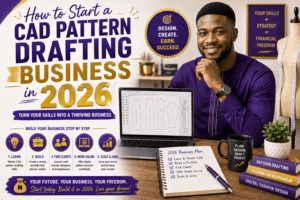
For beginners, the best tools are the ones that feel friendly, not fancy. You want software that helps you see your idea quickly, not software that makes you feel like you need a degree before clicking anything. My advice? Pick one tool for ideas, one for visuals, and one for pattern work. Keep it simple at first.
It also helps to treat AI like a creative assistant, not a decision-maker. You can ask for ten dress concepts, then choose the one that makes the most sense for your body measurements, your fabric, and your skill level. That way, you stay in control while still moving faster than you would if you were starting from zero.
Why beginners are using AI in fashion
AI is helpful because it saves time on first drafts, gives you more options, and makes the process less scary. For home sewers, that can mean quicker style exploration. For designers, it can mean faster concept development and cleaner communication with clients.
Another reason beginners love AI is that it lowers the pressure of perfection. When you know a tool can help you test different ideas quickly, you are more willing to experiment. That is a big deal in fashion, because strong design often comes from trying variations, comparing silhouettes, and seeing what works before you commit to a final version.
If you want a deeper foundation, this playlist on AI and fashion design guides may help:
What AI can actually help you do
When people hear “AI,” they sometimes think it means fully automated fashion design. In reality, the best use of AI is much more practical. It can help you:
- brainstorm garment ideas when you feel stuck
- generate style directions for a collection
- write simple design descriptions and product copy
- suggest fabric types based on garment structure
- create mood boards and visual references
- test variations in silhouette, sleeve shape, or neckline
- organize steps for pattern drafting and sewing
For example, if you want to draft a fitted sleeveless dress, you can ask an AI tool to suggest neckline options, waist shaping ideas, or fabric pairings. Then you take those ideas and apply your sewing knowledge. That combination is where the real magic happens.
Beginner-friendly AI tools worth trying
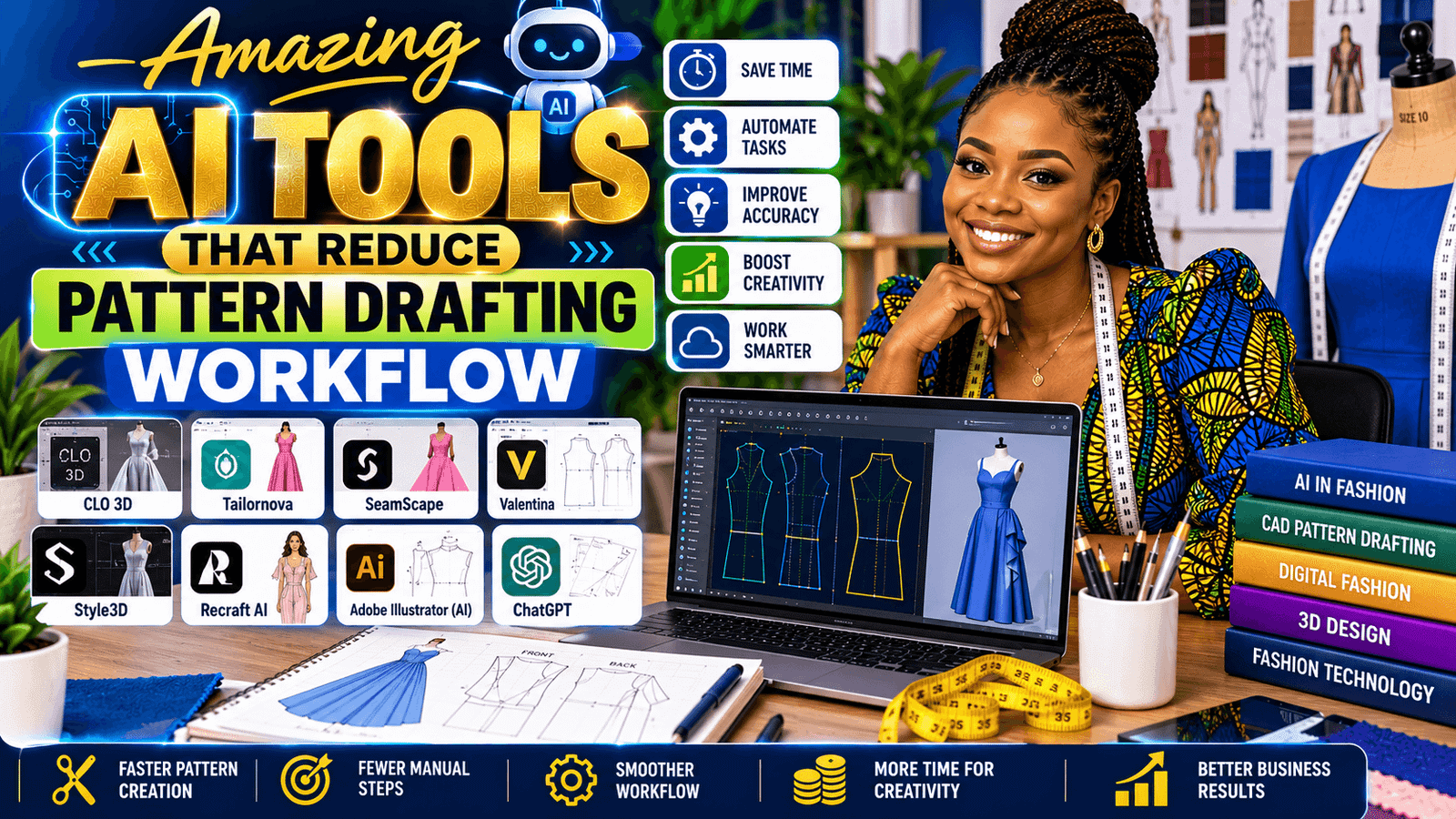
- ChatGPT — helpful for design prompts, collection names, garment descriptions, and planning your pattern workflow. OpenAI ChatGPT
- Canva Magic Design — great for mood boards, line sheets, and quick visual concepts. Canva Magic Design
- Adobe Firefly — useful for generating fashion concepts and texture ideas. Adobe Firefly
- CLO 3D — excellent for virtual garment fitting and drape testing. CLO 3D
- Tailornova — helpful if you want to explore automated pattern generation. Tailornova
If you are brand new, do not feel like you need to learn all of these at once. Start with one tool that helps you think, one that helps you visualize, and one that supports your drafting. That small system is often more useful than a giant collection of apps you never open.
A simple 5-step workflow for CAD dress pattern drafting
- Start with a reference. Use a sketch, photo, or garment you love as your direction.
- Let AI organize the idea. Ask for silhouette notes, fabric suggestions, or style variations.
- Draft your base pattern in CAD. Enter your measurements and build the block first.
- Test the fit. Use a virtual try-on tool or print a toile if you like working hands-on.
- Refine and save. Keep notes, update the fit, and store the final version for later use.
This workflow keeps you from jumping too quickly into details. A lot of beginners want to add ruffles, gathers, panels, and trims right away. But the smartest approach is usually to get the base shape correct first. Once the fit is right, the design details become much easier to handle.
If you are working on a dress, for instance, start with the bodice block, check the bust and waist measurements, then move on to length, ease, and style lines. AI can help you brainstorm possibilities, but your CAD pattern is where the garment becomes real.
How AI helps with inspiration and mood boards
One of the easiest places to begin is with inspiration. You can ask AI to suggest themes such as “soft romantic summer dress,” “structured evening wear,” or “minimalist workwear.” From there, you can build a mood board around colors, textures, and shapes.
This is especially useful if you struggle with creative blocks. Instead of waiting for inspiration to appear, you can generate a starting point, then refine it with your own taste. For example, if AI suggests silk, lace, and a flowy hemline, you might decide to make the design more practical by choosing cotton sateen or a stretch woven fabric instead.
That small adjustment is important. AI may give you an idea, but you decide whether it makes sense for sewing, comfort, budget, and wearability.
Tips for using AI without losing your style
- Use AI for ideas, not for your final creative voice.
- Keep your own measurement chart close by.
- Save prompts that work for you so you can reuse them.
- Always compare AI-generated ideas with real fabric behavior.
- Let your sewing experience guide the final fit and finish.
Your style is built from the choices you make. AI can suggest a direction, but only you know what feels flattering, practical, and true to your aesthetic. That is why the best results happen when you use AI as a tool for support, not a substitute for taste.
It also helps to develop your own prompt habits. For example, instead of asking for “a dress idea,” try “a fitted sleeveless dress with princess seams for a beginner CAD pattern draft.” The more specific you are, the better the help you get back.
Prompt ideas you can try today
If you are not sure what to ask an AI tool, here are a few simple prompts to get you started:
- Suggest three dress silhouettes for a beginner pattern draft.
- Give me fabric ideas for a structured sleeveless dress.
- Help me plan a simple CAD workflow for drafting a bodice block.
- Create a mood board concept for a modern feminine collection.
- List common fit issues to check in a dress pattern toile.
These kinds of prompts keep you focused on what actually matters: design direction, fit, and execution. You do not need elaborate wording. Clear, practical prompts work best.
Common mistakes to avoid
One big mistake is expecting AI to do everything. It cannot replace your eye for balance, proportion, or garment quality. Another mistake is skipping the basics. If your measurements are off, your CAD draft will be off too. That is why a solid measurement table and a clean base block matter so much.
Another easy fix? Do not collect ten tools and use none of them. Pick one or two that support your current goal. If your goal is faster brainstorming, start with ChatGPT and Canva. If your goal is better virtual fitting, explore CLO 3D or similar fashion AI software.
It is also easy to overcomplicate the learning process. Beginners sometimes try to learn drafting, garment construction, styling, and multiple AI platforms all at once. That usually leads to confusion. A better plan is to master one small part of the process, then add the next piece when you are ready.
How AI fits into the real sewing process
The real beauty of AI is that it supports the actual work you already do. It can help before drafting, during planning, and even after construction. For example, after you create a pattern, you might use AI to write notes about what worked, what needs adjustment, and what style variations you want to try next time.
This kind of documentation is incredibly useful if you make multiple versions of the same design. Over time, your notes become a personal design library. That means less guesswork and more confidence every time you start a new project.
In other words, AI is not just for ideas. It can become part of your repeatable system for smarter sewing and pattern development.
FAQ
What are the best AI tools for fashion designers?
For beginners, ChatGPT, Canva Magic Design, Adobe Firefly, CLO 3D, and Tailornova are a great starting mix. They support idea generation, visual planning, and pattern workflow.
Can home sewers use AI design tools?
Yes. Home sewers can use AI for inspiration, color ideas, planning, and basic pattern organization without needing advanced technical skills.
Does AI replace CAD pattern drafting skills?
No. AI can speed up parts of the process, but your fit knowledge, sewing practice, and pattern correction skills still matter most.
What is generative AI fashion used for?
It is used for concepts, sketches, print ideas, outfit variations, and creative direction. It helps you explore faster before you commit to a final garment.
How can beginners avoid feeling overwhelmed?
Start with one small project, one tool, and one clear goal. Focus on learning a simple workflow instead of trying to do everything at once.
Mini exercise for beginners
If you want to practice right now, try this:
- Choose one garment idea, such as a sleeveless dress or a simple top.
- Ask an AI tool for three design variations.
- Pick the version that feels easiest to draft in CAD.
- Write down the measurements, fabric choice, and key style details.
- Begin your base pattern with a clear plan instead of a blank page.
This exercise may seem simple, but it builds confidence fast. The more you practice moving from idea to plan, the easier your design process becomes.
Final thoughts
AI becomes powerful when it supports your handwork instead of trying to replace it. Start with one tool, one project, and one small win. Once you see how much easier the process feels, you will understand why so many of us are adding AI to our fashion workflow.
If you are ready to keep going, choose one AI tool today, draft one simple design, and let the process get easier from here.