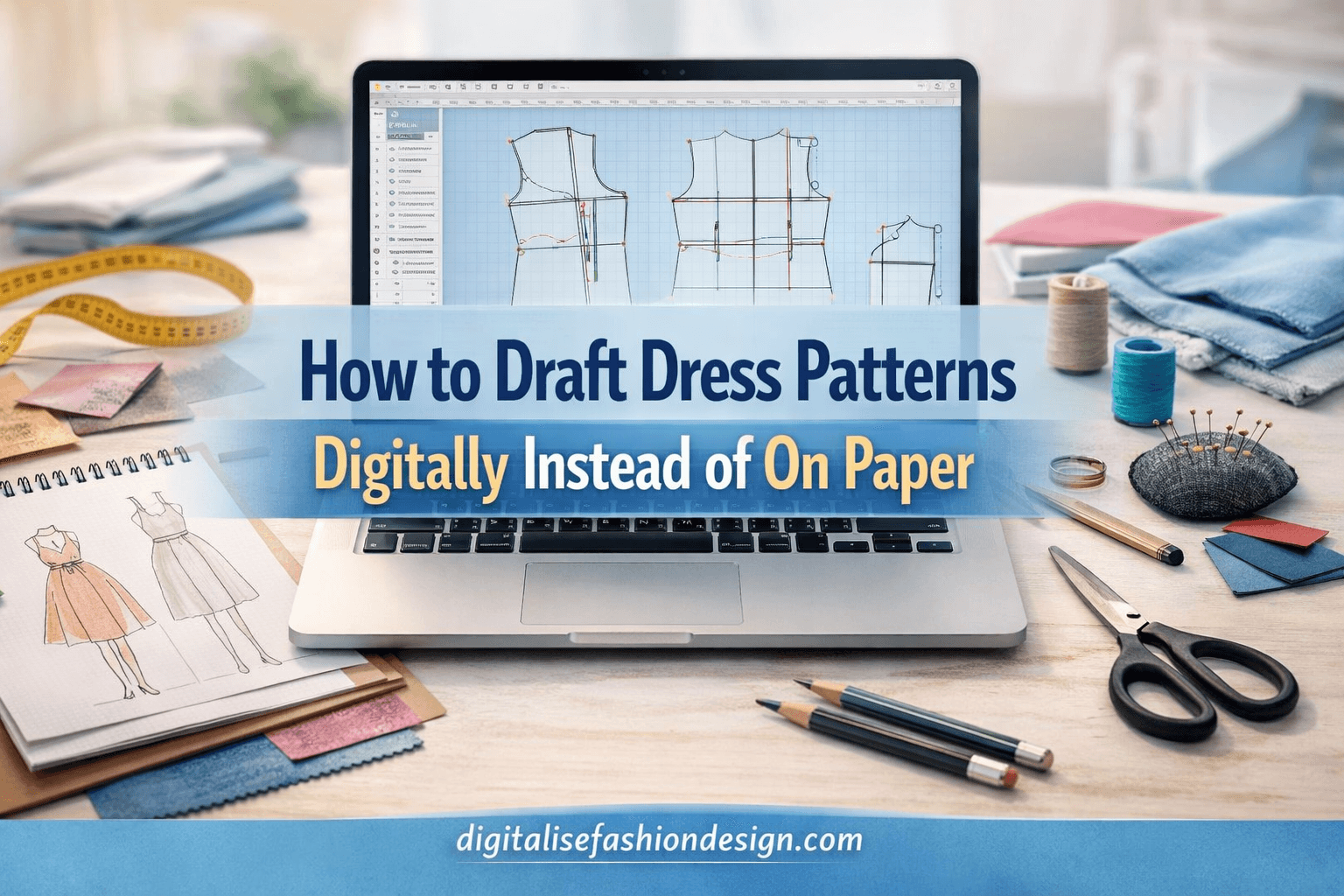
Have you ever spent hours drafting a pattern on paper, only to realize you need to redraw half of it because one measurement changed?
DOWNLOAD YOUR FREE MEASUREMENT WORKSHEET
If you’ve ever worked with traditional pattern drafting tools, you know the process well. Pattern paper spread across the table, rulers, French curves, measuring tape, erasers, and sometimes frustration when small changes require starting over.
For many years, this was simply how patternmaking worked.
But something interesting has been happening in the fashion world. More designers are moving away from paper drafting and embracing how to draft dress patterns digitally using modern garment pattern software.
Whatever made you click on this article, I’m glad you did. Because learning how to draft dress patterns digitally could transform the way you design garments forever.
Today, designers can use fashion design CAD software, pattern making software, and other digital fashion design tools to create accurate patterns faster than ever before.
If you’ve been wondering how to transition from paper drafting to a fashion CAD workflow, this guide will walk you through exactly how it works.
How to understand dress patterns digitally?
Digital pattern drafting is the process of creating garment patterns using computer software instead of paper.
OTHER INTERESTING BLOG POST



Instead of drawing pattern pieces manually, designers use garment pattern software to create dress patterns digitally using lines, curves, and measurement formulas.
These patterns exist as digital files that can easily be edited, resized, stored, and printed whenever needed.
Many designers today use fashion design CAD software because it improves accuracy and allows patterns to be reused or modified quickly.
With digital fashion design, designers can build an entire library of patterns without stacks of paper taking over their workspace.
SHOP MY AMAZON RECOMMENDED PRODUCT
Why Fashion Designers Are Moving Away from Paper Drafting
Traditional pattern drafting will always remain a valuable skill. Understanding garment construction and body measurements is still essential.
However, the limitations of paper drafting become obvious when you begin working on multiple designs or adjusting patterns frequently.
Using a fashion CAD workflow solves many of these challenges.
When working digitally, designers can adjust measurements instantly, duplicate pattern pieces, and test design changes without starting over.
This flexibility makes digital pattern drafting a much more efficient approach for modern fashion designers.
Another advantage is organization. Instead of storing physical patterns in folders or boxes, digital patterns can be organized in a computer library.
Designers can easily search for, modify, and reuse patterns whenever they need them.
Tools You Need to draft dress patterns digitally:
To start digital pattern drafting, you don’t need an expensive fashion studio. Many designers work with simple tools that allow them to build a professional fashion CAD workflow.
The most important tool is garment pattern software.
CHECK OUT THIS PLAYLIST ON HOW TO DRAFT YOUR PATTERNS WITH SEAMLY2D
Programs like Seamly2D, Valentina, and other pattern-making software allow designers to draft patterns using measurement-based formulas.
These tools are designed specifically for fashion designers and pattern makers.
In addition to software, you will need a computer capable of running CAD programs. A laptop or desktop computer with a comfortable screen size will make the drafting process easier.
Some designers also use drawing tablets, but they are not required for most digital fashion design tasks.
Finally, you will need body measurements or a measurement chart to draft accurate garment patterns.
Once these tools are in place, you can begin building your digital drafting skills.
Step-by-Step Guide to Drafting Dress Patterns Digitally
Transitioning from paper drafting to digital pattern drafting becomes much easier when you break the process into clear steps.
Step 1: Set Up Your Pattern Drafting Software
Start by opening your preferred fashion design CAD software.
Programs like Seamly2D allow you to create a new pattern file and enter body measurements before you begin drafting.
Entering measurements first helps ensure that the pattern will scale correctly.
Step 2: Create Measurement Variables
One of the most powerful aspects of garment pattern software is the ability to use measurement variables.
Instead of drawing fixed lines, you can create formulas based on body measurements.
For example:
Bust ÷ 4
Waist ÷ 4
Hip ÷ 4
Using these formulas allows patterns to adjust automatically when measurements change.
This feature is what makes digital pattern drafting incredibly powerful for custom garment design.
CONVERT YOUR PATTERN DRAFTING TALENTS TO CASH
Step 3: Draft the Basic Bodice Block
Most dress patterns start with a basic bodice block.
Using your pattern-making software, begin drafting the basic framework of the bodice.
Create points for:
- shoulder line
- neckline
- bust line
- waistline
- armhole
Once these reference points are established, the software will help you connect lines and curves accurately.
Step 4: Add Darts and Shaping
Darts are essential for shaping garments to the human body.
In digital fashion design, darts can be added easily and adjusted quickly if needed.
If the bust dart position needs modification, you can simply adjust the dart angle or pivot point without redrawing the entire pattern.
This flexibility is one of the biggest advantages of fashion CAD workflow systems.
Step 5: Create the Skirt Portion of the Dress
SUBSCRIBE TO MY YOUTUBE CHANNEL AND LEARN CAD PATTERN DRAFTING. FREE
Once the bodice is drafted, you can extend the pattern downward to create the skirt portion of the dress.
Depending on the design, this may include the following:
- straight skirt
- A-line skirt
- gathered skirt
- pleated skirt
Because you are working with garment pattern software, you can experiment with different skirt shapes quickly.
Step 6: Add Seam Allowances
In traditional drafting, seam allowances are added manually.
With pattern making software, seam allowances can often be applied automatically.
This ensures consistent seam widths across the entire pattern.
Step 7: Save and Export the Pattern
Once your pattern is complete, the digital file can be saved for future use.
This is one of the greatest advantages of digital pattern drafting.
Instead of storing physical patterns, designers can maintain a digital pattern library that grows over time.
Patterns can also be exported and printed on paper when needed.
Advantages of Digital Pattern Drafting
Designers who switch to digital fashion design quickly discover several major benefits.
First, patterns become easier to edit. If measurements change, you can update the pattern instantly.
Second, patterns can be reused. Once you create a basic block, it can serve as the foundation for many future designs.
Third, digital files are easier to organize. Designers can store hundreds of patterns without physical storage space.
Finally, fashion CAD workflow tools improve accuracy. Digital lines and curves are mathematically precise, which helps reduce pattern errors.
The Future of Fashion Pattern Making
The fashion industry is evolving rapidly, and technology is playing a major role in that transformation.
More fashion brands are adopting digital fashion design workflows to improve efficiency and reduce production costs.
Learning digital pattern drafting today prepares designers for the future of fashion.
Instead of replacing traditional skills, these digital tools enhance them.
Designers who understand both traditional drafting and fashion design CAD software have a powerful advantage.
Frequently Asked Questions
What is digital pattern drafting?
Digital pattern drafting is the process of creating garment patterns using computer software instead of paper. Designers use garment pattern software to draft, modify, and store patterns digitally.
What software is used for digital pattern drafting?
Common tools include Seamly2D, Valentina, Optitex, and other pattern-making software designed specifically for fashion designers.
Is digital pattern drafting better than paper drafting?
Digital drafting offers several advantages, including faster editing, automatic measurement adjustments, and easier pattern storage. However, understanding traditional drafting principles is still important.
Can beginners learn digital pattern drafting?
Yes. Many beginners start with simple tools like Seamly2D and gradually develop their fashion CAD workflow skills.