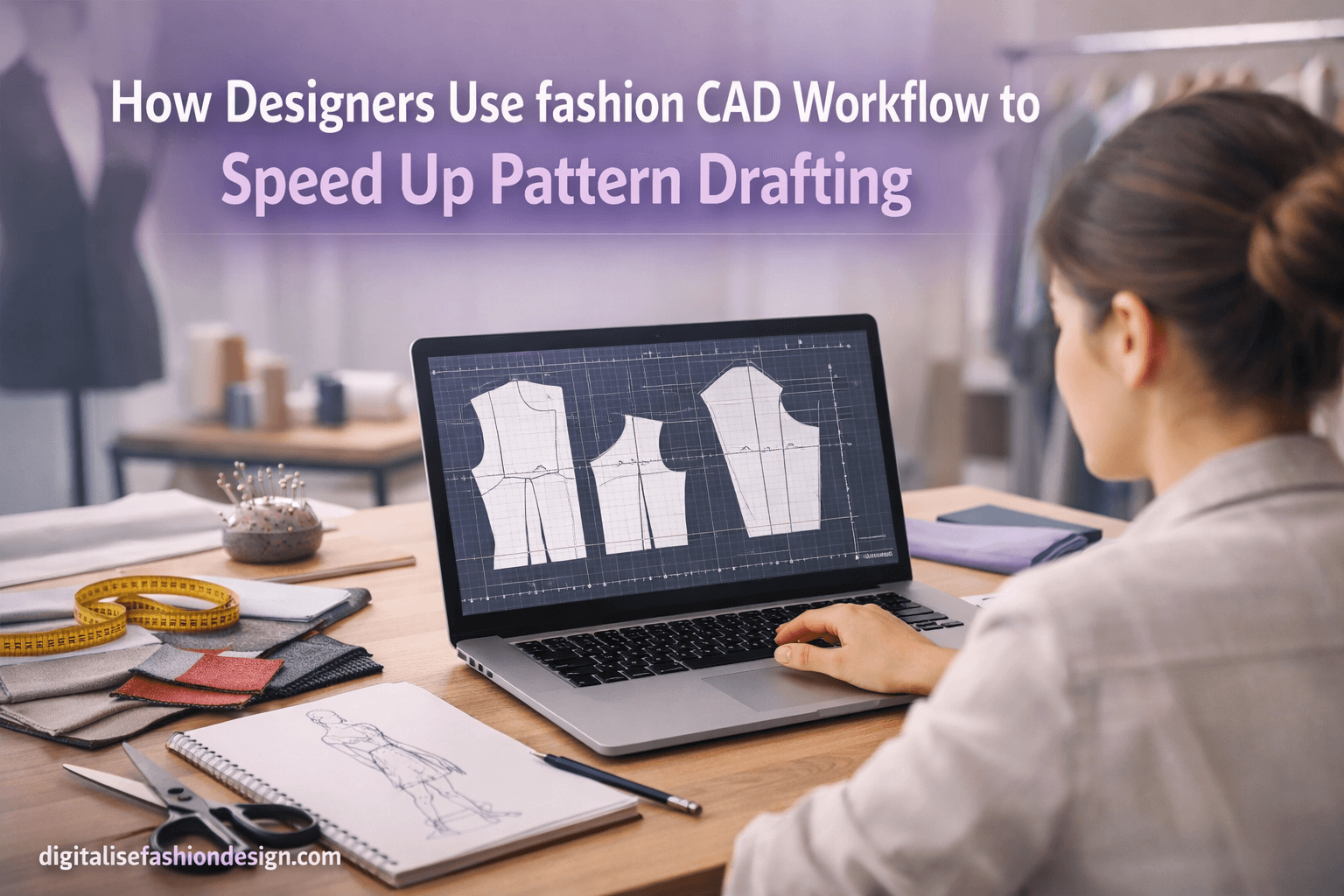
How Fashion Designers Use CAD to Speed Up Pattern Drafting (Complete Guide)
Introduction: Why Pattern Drafting Feels So Slow
Have you ever spent hours drafting a pattern… only to realize one small adjustment forces you to start all over again?
DOWNLOAD YOUR FREE PATTERN DRAFTING GUIDELINE.
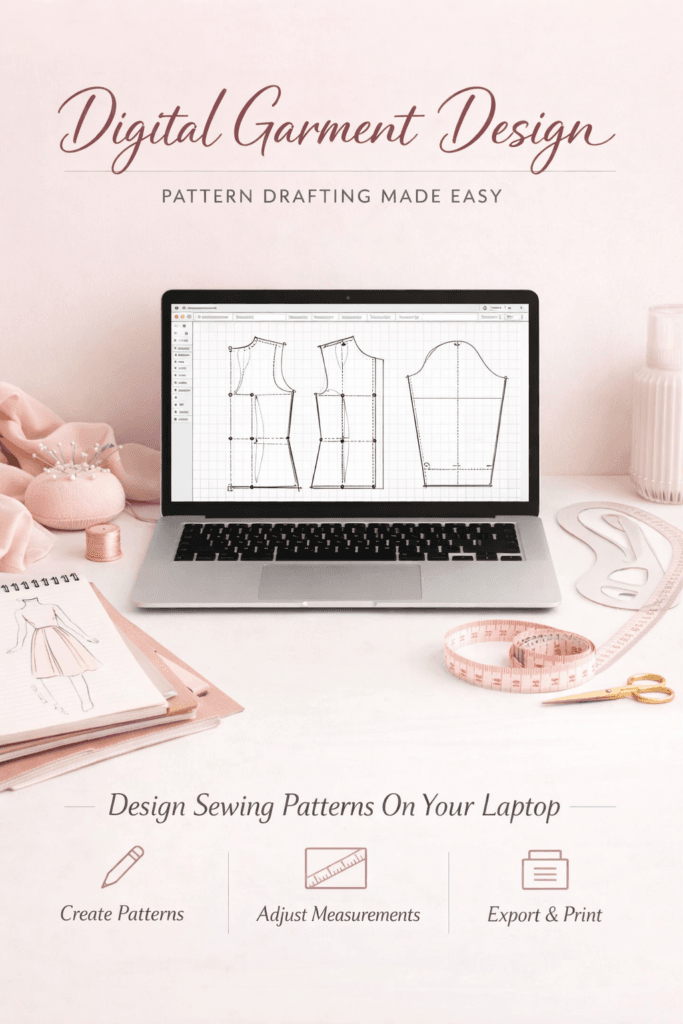
You measure.
You draw.
You adjust.
Then suddenly—you redo everything.
OTHER RELEVANT BLOG POST


That cycle is exhausting.
And it’s exactly why more designers are switching to a fashion CAD workflow.
Because once you move into digital garment design, everything changes:
✔ Faster drafting
✔ Instant edits
✔ Easy resizing
✔ Better organization
Let’s break down how this works—and how you can use it to transform your workflow.
What Is a Fashion CAD Workflow?
A fashion CAD workflow is the process of using software to create, edit, and manage garment patterns digitally instead of manually.
Instead of paper and rulers, you use tools like the following:
- Seamly2D
- CLO 3D
- Optitex
- Gerber AccuMark
With these tools, designers can:
- Draft patterns faster
- Edit designs instantly
- Generate multiple sizes
- Store and reuse patterns
A structured CAD pattern workflow doesn’t just improve speed—it transforms the entire fashion design process.
CONVERT YOUR CAD PATTERN DRAFTING TO REVENUE
Why Traditional Pattern Drafting Slows You Down
Let’s be honest—manual drafting still works.
But it comes with serious limitations:
- Every change requires redrawing
- Measurements must be recalculated manually
- Mistakes are costly and time-consuming
- Scaling to multiple sizes is tedious
This is why many designers feel stuck—spending more time fixing patterns than creating designs.
OTHER RELEVANT BLOG POST
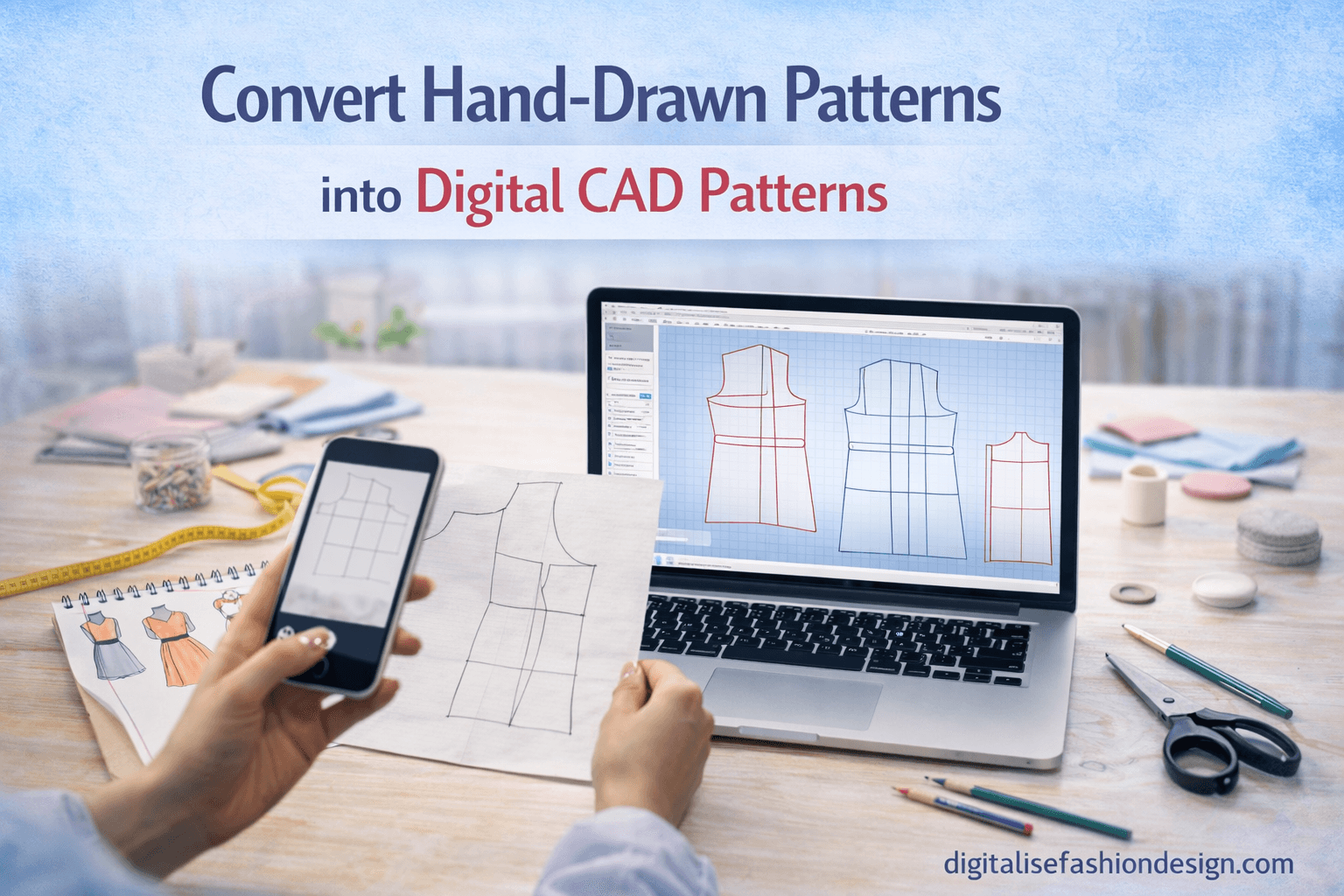


How CAD Speeds Up Pattern Drafting
Switching to a fashion CAD workflow removes these bottlenecks completely.
1. Instant Edits and Adjustments
Change one measurement—and the entire pattern updates automatically.
No redrawing. No guesswork.
2. Reusable Pattern Blocks
Create once. Use forever.
Designers build libraries of base patterns and reuse them, saving hours on every project.
3. Automatic Pattern Grading
With digital pattern grading, one base pattern can generate multiple sizes instantly.
This improves both speed and accuracy.
4. Better File Organization
No more paper clutter.
Patterns are stored digitally, making them:
- Easy to find
- Easy to edit
- Easy to reuse
5. Faster Design Experimentation
Want to test a new sleeve or neckline?
With CAD, you can experiment freely—without damaging your original design.
Step-by-Step: A Real Fashion CAD Workflow
Here’s how designers actually use CAD in practice:
Step 1: Create a Base Pattern
Start with a basic block (bodice, skirt, or trousers).
This becomes your foundation.
Step 2: Modify the Design Digitally
Adjust elements like the following:
- Necklines
- Sleeves
- Length
- Fit
All changes happen instantly.
Step 3: Apply Measurements
Patterns are measurement-driven.
Update values—and the design adjusts automatically.
Step 4: Add Technical Details
Include:
- Seam allowances
- Notches
- Grainlines
- Labels
Everything stays precise and consistent.
Step 5: Grade the Pattern
Using CAD, generate multiple sizes in seconds.
This is where digital garment design truly shines.
Step 6: Export for Production
Export patterns for:
- Printing
- Manufacturing
- Digital sharing
Your workflow is now complete—and far more efficient.
The Hidden Advantage of fashion CAD workflow Most Designers Miss
Here’s something powerful:
CAD doesn’t just make you faster—it makes you more creative.
When you’re not stuck fixing patterns, you can:
- Explore more ideas
- Refine your designs
- Focus on creativity instead of corrections
That shift is what separates average designers from great ones.
SUBSCRIBE TO MY YOUTUBE CHANNEL AND LEARN CAD PATTERN DRAFTING FREE
Let Me Ask You This…
How much time do you spend correcting patterns instead of creating designs?
That’s the real cost of not using a fashion CAD workflow.
The Future of Fashion Design Is Digital
The fashion industry is evolving fast.
From independent designers to global brands, digital garment design is becoming the standard.
Designers who understand CAD:
✔ Work faster
✔ Produce better results
✔ Stay competitive
Conclusion
Learning a fashion CAD workflow can completely transform how you draft patterns.
Instead of slow manual processes, you gain the following:
- Speed
- Accuracy
- Flexibility
- Creative freedom
With the right tools, your fashion design process becomes smoother—and far more enjoyable.
And that’s where real growth begins.
FAQ
What is a fashion CAD workflow?
A fashion CAD workflow is the use of software to create and manage garment patterns digitally instead of manually.
How does CAD speed up pattern drafting?
CAD allows instant edits, automatic grading, and reusable pattern blocks, reducing manual work significantly.
What tools are used in digital garment design?
Popular tools include Seamly2D, CLO 3D, Optitex, and Gerber AccuMark.
Is CAD better than traditional pattern drafting?
CAD is faster and more flexible, but traditional drafting knowledge is still essential for strong design fundamentals.